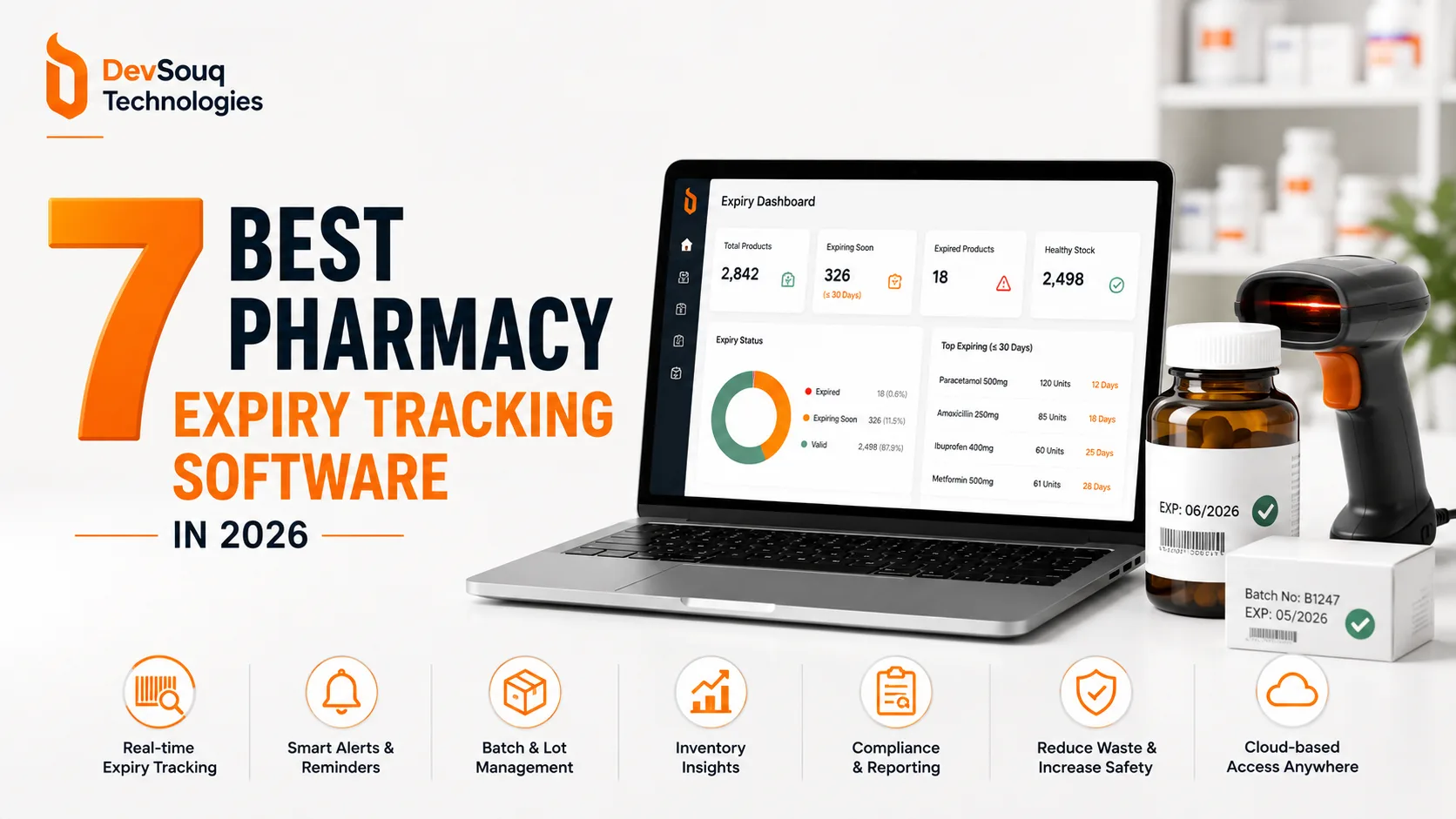
Quick Answer
The best pharmacy expiry tracking software depends on whether you need a full pharmacy management platform or a dedicated tool. PioneerRx, PrimeRx, BestRx, and EloERP Cloud track expiry as part of a complete dispensing system, while LSPedia and ShelfLifePro focus only on batch and expiry tracking, and AccuShelf specializes in vaccine and cold chain inventory. If none of these fit your exact workflow, DevSouq builds custom pharmacy software around your specific setup instead of asking your pharmacy to adapt to a fixed product.
Key Takeaways :
- Two categories: full pharmacy platforms vs. dedicated expiry tools
- PioneerRx, PrimeRx, BestRx, EloERP Cloud: expiry as one feature
- LSPedia, ShelfLifePro: expiry only, no system replacement
- AccuShelf: barcode hardware built for vaccines and cold chain
- EloERP Cloud: best fit for Pakistan and South Asia pharmacies
- Dedicated tools go live in weeks; full platforms take six to twelve
- Match the tool to your gap, not the longest feature list
- No fit? DevSouq builds custom pharmacy software around your workflow
Full Platform or Dedicated Tool, Which Do You Actually Need
A full pharmacy management platform is overkill if all you need is expiry tracking. Platforms like PioneerRx or PrimeRx replace your entire dispensing and billing workflow, not just shelf checks. That trade makes sense if you are also replacing an aging system. It makes far less sense if your current system works fine and expiry is your only real gap.
A single location pharmacy fixing only expiry write offs usually solves it with a dedicated tool like LSPedia or ShelfLifePro inside a couple of weeks. A full platform migration commonly runs six to twelve weeks, because you are rebuilding dispensing workflows, not adding one feature. Match the tool to the problem you actually have.
What to Look For in Expiry Tracking Software
The single most important feature is batch level tracking, not just an expiry date field. A generic expiry field tells you a drug expires in March. A batch record tells you which specific lot expires in March, separate from other lots of the same drug on the shelf.
Alert cadence matters just as much. Alerts set at 90, 60, and 30 days give staff enough lead time to negotiate a supplier return before that window closes, and for many wholesalers the return deadline sits between 60 and 90 days before expiry. First expiry, first out enforcement then ensures staff dispense the closest to expiring batch instead of whatever sits at the front of the shelf.
Two more items round out the checklist: wholesaler integration for return workflows, and cold chain monitoring if vaccines make up any real share of inventory. Expiry tracking is really one piece of the bigger picture see our full breakdown of hospital pharmacy inventory software if you’re evaluating the whole stock management layer, not just expiry alerts. If a product’s return window closes before your alert window fires, the return option disappears and a write off becomes unavoidable.
The 7 Tools Compared
1. PioneerRx
Overview
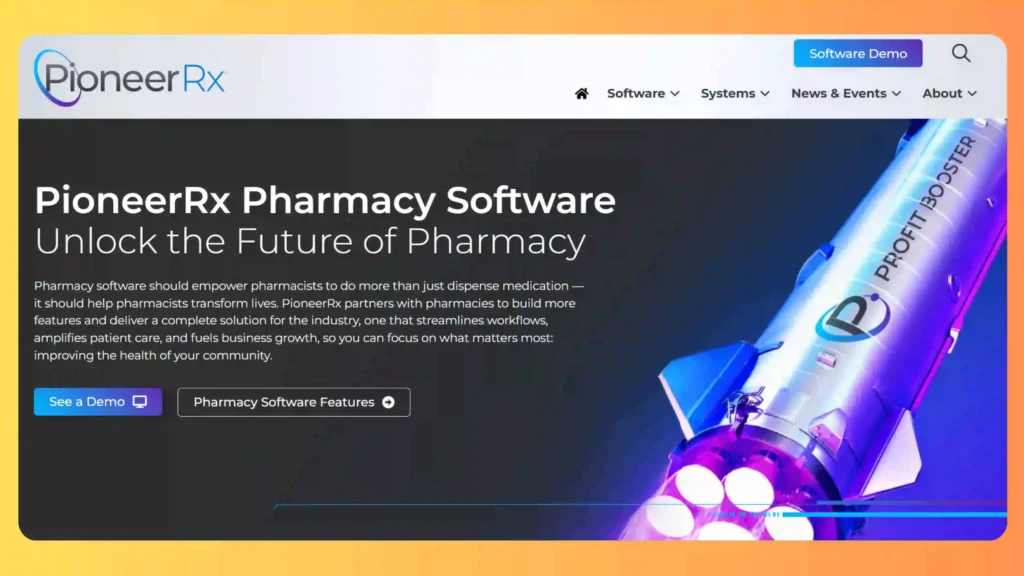
PioneerRx treats batch and lot tracking as core to its inventory architecture rather than a bolted on feature. Every stock item carries its batch number, manufacture date, and expiry date from the point of receiving, and the platform’s multi batch compounding tool links lot numbers across two batches used in a single prescription, which matters directly during a recall. Automated expiration reporting runs through a connection to LSPedia, so the platform does not have to carry that reporting load alone. Prescription workflows cover dispensing, refill tracking, and pharmacist verification steps expected of a full pharmacy management system.
Core Services
- Batch and Lot Level Inventory Tracking
- Multi Batch Compounding Traceability
- Automated Expiration Reporting via LSPedia
- Prescription and Refill Management
- Pharmacist Verification Workflows
Why Choose PioneerRx?
PioneerRx builds batch level traceability directly into its dispensing platform, so expiry tracking comes as part of a system independent pharmacies already trust for daily operations rather than a second tool to manage.
Best For: Independent pharmacies in the United States that want expiry tracking folded into a full dispensing and prescription management platform.
2. PrimeRx

Overview
PrimeRx, developed by Micro Merchant Systems, tracks expiration dates as part of a broader inventory and dispensing system built to flex across retail, specialty, long term care, and compounding pharmacies. Automated reordering and real time inventory counts run alongside a refill compliance dashboard that surfaces expired refills the same way it flags missed pickups, so expiry risk and refill risk show up in the same view rather than separate reports. The platform is highly configurable, which means setup takes longer than a narrow tool, since the pharmacy is configuring an entire operating system rather than one feature.
Core Services
- Expiration Date Tracking and Alerts
- Automated Reordering
- Real Time Inventory Monitoring
- Refill Compliance Dashboard
- Multi Pharmacy Type Configuration (Retail, Specialty, LTC, Compounding)
Why Choose PrimeRx?
PrimeRx adapts to several pharmacy operating models under one platform, so a pharmacy running more than one type of dispensing operation gets expiry tracking configured to match each one rather than forcing a single generic setup.
Best For: Pharmacies running more than one pharmacy type, such as retail alongside long term care or compounding, under a single platform.
3. BestRx
Overview
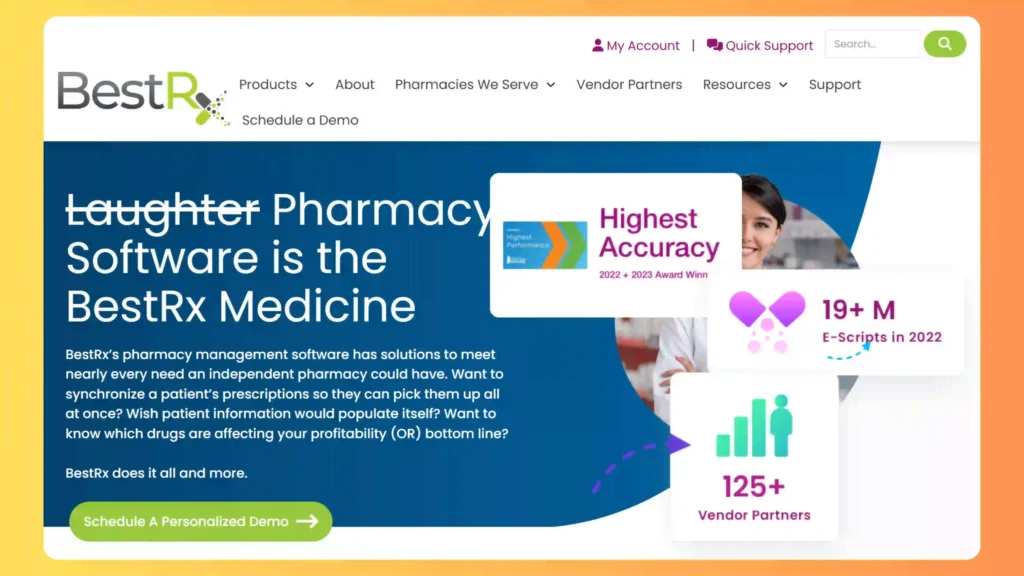
BestRx tracks expiration by National Drug Code, which flags a specific lot as expiring rather than a generic product line sitting across multiple batches. Reordering runs on sales velocity, so slow moving drugs get flagged for smaller restocks before they age into a write off, rather than waiting for a fixed reorder point to trigger. BestRx pairs with BestPOS for front end operations, and its cloud hosted option gives multi store owners one dashboard instead of separate logins per location.
Core Services
- NDC Based Expiration Tracking
- Sales Velocity Reordering
- BestPOS Integration
- Cloud Hosted Multi Store Dashboard
- Inventory Reporting
Why Choose BestRx?
BestRx keeps expiry tracking straightforward by tying it directly to NDC data pharmacies already work with daily, without requiring a steep learning curve to get useful alerts running.
Best For: Independent pharmacies that want dependable expiry tracking without a steep learning curve.
4. EloERP Cloud
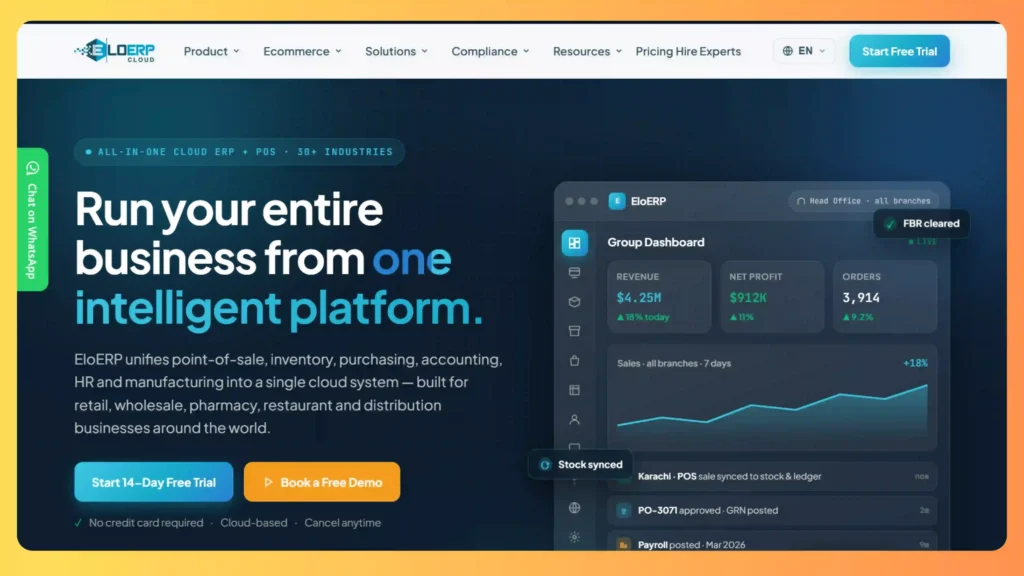
EloERP Cloud logs batch number and expiry date on every purchase and enforces first expiry, first out dispensing by default, built specifically for pharmacies operating in Pakistan and South Asia. Currency, tax, and supplier requirements in this region differ from what platforms built for the US market assume, and pharmacies running a US built system often hit friction on local tax compliance before they hit any real limit on expiry tracking itself. Alerts fire at configurable windows, and multi branch reporting rolls sales, returns, and inventory into a single dashboard for chain operators.
Core Services
- Batch and Expiry Date Logging
- FIFO Dispensing Enforcement
- Configurable Expiry Alerts
- Local Tax and Currency Compliance
- Multi Branch Reporting
Why Choose EloERP Cloud?
EloERP Cloud closes the regional compliance gap that most US built pharmacy platforms leave open, giving pharmacies in Pakistan and South Asia expiry tracking that also fits local tax and supplier requirements from day one.
Best For: Pharmacies in Pakistan and South Asia that need local compliance alongside expiry tracking.
5. LSPedia Rx Expiration Management
Overview
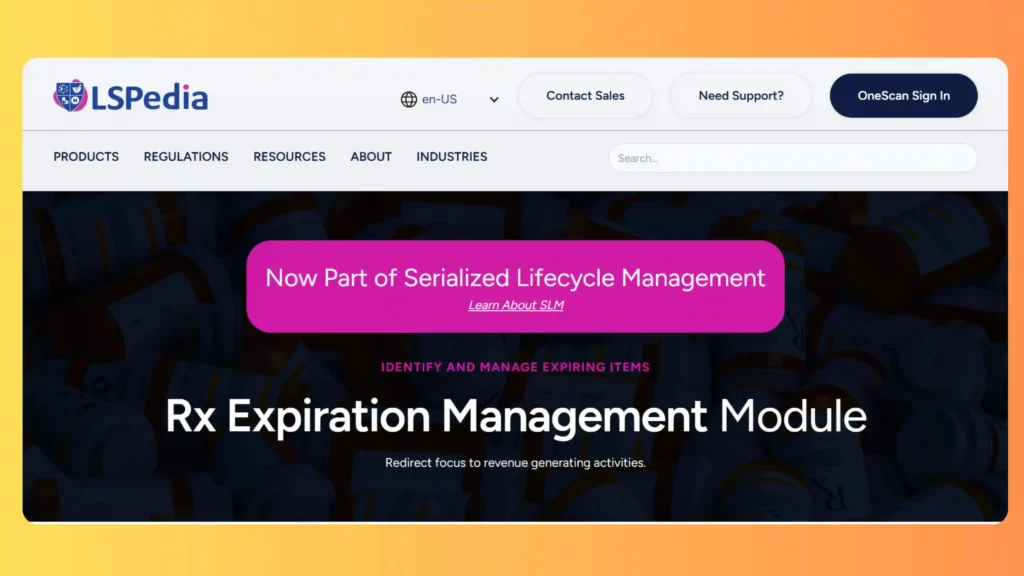
LSPedia does not replace a pharmacy’s existing management system. Its Rx Expiration Management module generates automated reports of products nearing expiration inside configurable windows, commonly 30, 60, or 90 days, and plugs directly into whichever platform the pharmacy already runs. That narrower scope is the entire point of the product: pharmacies that are satisfied with their current dispensing system but cannot stand manual shelf checks get a fix without a full migration to a new platform.
Core Services
- Automated 30/60/90 Day Expiration Reports
- Customizable Report Configuration
- Integration with Existing Pharmacy Management Systems
- Regulatory Documentation Support
Why Choose LSPedia?
LSPedia solves the expiry reporting gap on its own, without asking a pharmacy to migrate away from a dispensing system that already works.
Best For: Pharmacies that want a dedicated add on focused specifically on expiration reporting, rather than a new management system.
6. ShelfLifePro
Overview
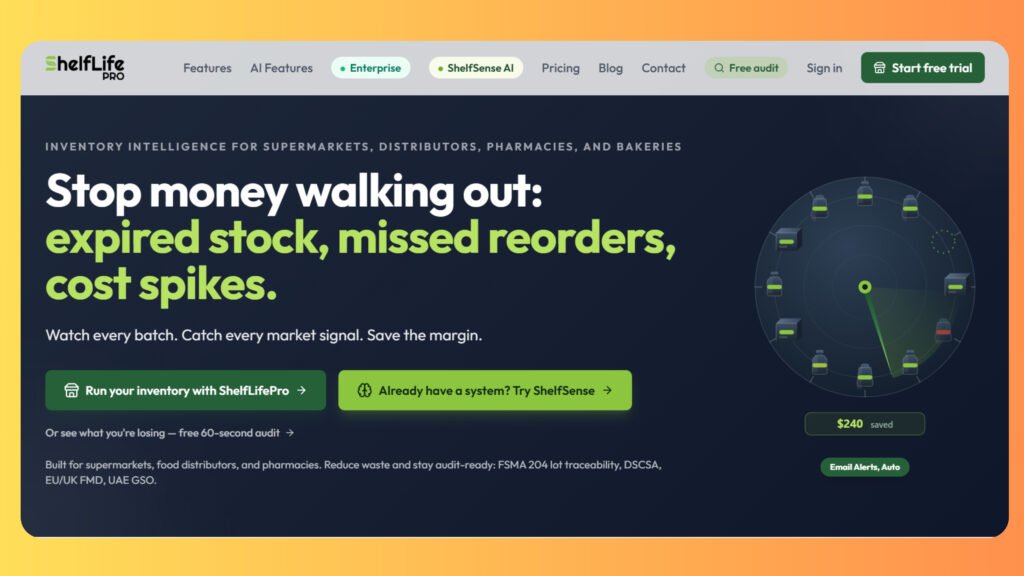
ShelfLifePro tracks expiry at the lot level, tying each lot back to its original purchase order and invoice, and automatically generates supplier return claims based on each supplier’s specific return window. Cold chain monitoring covers refrigerated products with built in temperature alerts, treating temperature control as a first class part of expiry management rather than a separate task. One caution worth naming directly: a separate consumer app also uses the ShelfLifePro name for household pantry tracking, and it is not the same product. The platform referenced here is the business tool built for pharmacies, grocery, and distribution operations.
Core Services
- Lot Level Expiry Tracking
- Automated Supplier Return Claims
- Cold Chain Temperature Monitoring
- Purchase Order and Invoice Linking
Why Choose ShelfLifePro?
ShelfLifePro solves expiry and lot tracking as a standalone problem, giving pharmacies a focused tool instead of a full platform replacement.
Best For: Pharmacies and small chains that want a focused expiry and lot tracking tool without replacing their dispensing system.
7. AccuShelf
Overview
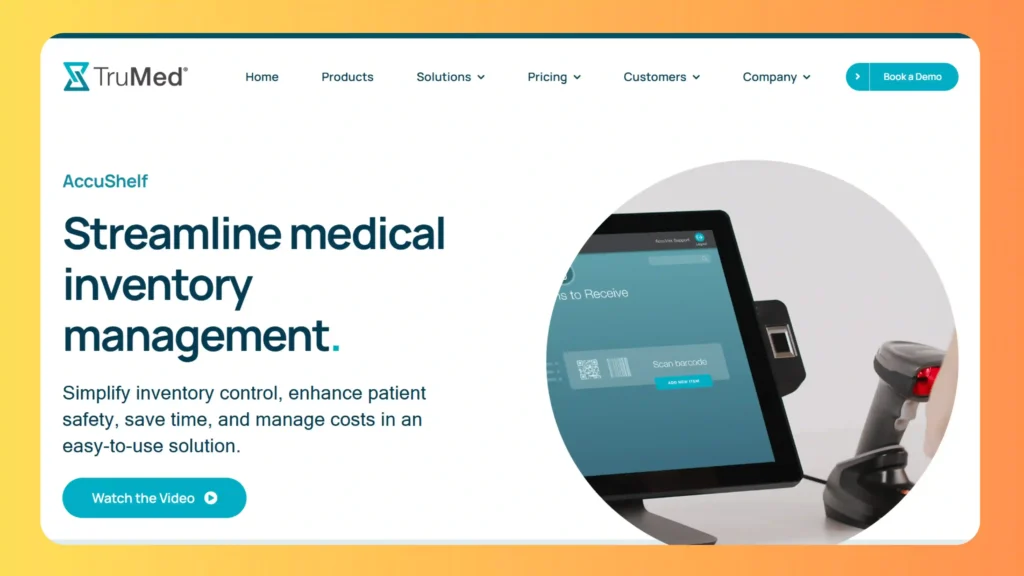
AccuShelf pairs a wireless barcode scanner with inventory software built around medications, vaccines, and supplies, capturing lot number, expiration date, and dosage the moment a product gets scanned at receiving or dispensing. Cold chain compliance runs through the platform natively, and audit trails support 340B and related reporting programs without a separate spreadsheet running alongside it. TruMed Systems, the company behind AccuShelf, also sells AccuVax, a temperature controlled storage unit that rotates stock by expiry automatically, so the two products function as one system when vaccine volume is high.
Compounded products carry the same fragility our piece on home infusion pharmacy software covers how compounding and expiry tracking need to work as one connected process.
Core Services
- Barcode Scanning at Point of Receipt and Dispensing
- Lot and Expiration Date Capture
- Cold Chain Compliance Monitoring
- 340B Audit Trail Support
- AccuVax Temperature Controlled Storage Integration
Why Choose AccuShelf?
AccuShelf builds cold chain handling directly into inventory tracking, so clinics and pharmacies with real vaccine volume get expiry and temperature compliance from a single system instead of stitching two tools together.
Best For: Clinics and pharmacies with significant vaccine or cold chain inventory.
Comparison Table
| Tool | Category | Expiry Alerts | Batch or Lot Tracking | Best For |
|---|---|---|---|---|
| PioneerRx | Full pharmacy management | Yes | Yes, including multi batch | Independent US pharmacies |
| PrimeRx | Full pharmacy management | Yes | Yes | Multiple pharmacy types on one platform |
| BestRx | Full pharmacy management | Yes, via NDC | Yes | Independent pharmacies wanting simplicity |
| EloERP Cloud | Full pharmacy management | Yes, configurable windows | Yes, with FIFO | Pakistan and South Asia pharmacies |
| LSPedia Rx Expiration Management | Dedicated add on | Yes, 30/60/90 day reports | Supports existing batch data | A focused reporting layer |
| ShelfLifePro | Dedicated expiry platform | Yes, configurable windows | Yes, lot level | A standalone expiry tool |
| AccuShelf | Dedicated hardware and software | Yes, at point of scan | Yes, lot level | Vaccine and cold chain heavy operations |
What This Costs and How Long Setup Takes
Pricing sits in two bands, and the band depends on the category picked earlier. Dedicated add ons like LSPedia or ShelfLifePro typically run as a smaller monthly subscription, since they handle one function and never touch dispensing data. Full platforms like PioneerRx, PrimeRx, BestRx, and EloERP Cloud price per the whole system, and most vendors quote based on store count rather than publishing a fixed rate.
Setup time follows the same split. A dedicated module can go live inside a couple of weeks, since it only needs batch and expiry data. A full platform migration commonly runs six to twelve weeks once data cleanup and staff training get factored in.
The honest answer is that it depends on scope, and the fastest way to get a real number for your project is to look at DevSouq’s custom pharmacy management software development page and request a review. Get a quote from at least two vendors before committing, since setup time and support vary more than the sticker price suggests.
Common Mistakes When Switching to Expiry Tracking Software
Pharmacies hit the same handful of problems, roughly in order of frequency.
Skipping a stock audit before go live. Importing wrong or missing expiry data breaks every alert after it, and the fix is the manual recount you were trying to avoid.
Ignoring the actual supplier return window. An alert set for 30 days does little good if the real deadline was 45 days before expiry.
Rolling out first expiry, first out without training staff. Software that recommends the right batch does nothing if staff keep grabbing from habit.
Treating cold chain products the same as shelf stock. A vaccine held an hour outside its required range is a loss the expiry date never captures.
Choosing a full platform migration to fix one feature gap. The heaviest, slowest way to solve a problem a dedicated add on could have closed faster.
How to Choose, A Decision Framework
Start from what already works, not from a feature checklist. Four questions, answered honestly, do most of the work.
Are you also replacing your dispensing system, or does it work fine today? If replacing it, PioneerRx, PrimeRx, BestRx, or EloERP Cloud become real options depending on region. If your system is fine, a dedicated add on like LSPedia or ShelfLifePro closes the gap without a bigger project.
Do vaccines make up a meaningful share of inventory? Prioritize AccuShelf regardless of what else you pick. Are you in Pakistan or South Asia? EloERP Cloud closes a compliance gap most US built platforms leave open. How many locations do you run, and will that grow this year? Confirm multi location support now rather than migrating twice.
Answer those honestly and the shortlist usually narrows to one or two real options.
Final Thoughts
None of the seven options here is the best pharmacy expiry tracking software for every pharmacy that’s true across most of the healthcare software we build, not just this one category. It is whichever one matches what you already run, how many locations you manage, and how much cold chain inventory you carry.
If your setup does not fit any of them cleanly, that is usually a sign you need something built around your workflow rather than adapted to fit it. Visit DevSouq’s pharmacy software development page to get a straight answer on what that would actually take.
Frequently Asked Questions
What is the best app to track expiry dates?
For pharmacies, dedicated tools like LSPedia or ShelfLifePro track expiry by batch. For home use, simple pantry apps work fine. The right pick depends on whether you’re tracking business inventory or a household pantry.
What software do most pharmacies use?
PioneerRx is the most installed independent pharmacy software in the US. PrimeRx and BestRx are also widely used. Choice usually comes down to region and pharmacy type.
How much does PioneerRx cost?
PioneerRx does not publish fixed pricing. Rates are quoted directly based on pharmacy size, modules, and store count, so getting a real number means requesting a quote from the vendor.
Which pharmacy software is the best?
There is no single best option for every pharmacy. It depends on your size, region, and whether you need a full dispensing platform or a dedicated expiry tool.
Is there a free online expiry date check scanner?
Some inventory apps offer free trials with barcode scanning, but a fully free tool built for pharmacy grade compliance is uncommon. Most dedicated tools require payment once the trial ends.
What app can I use to tell if a product is expired?
Consumer pantry apps let you scan a barcode and log expiry manually for household items. For pharmacy grade tracking, tools like LSPedia or AccuShelf handle this at the batch level instead.
How to check expiry date online?
There is no public database that shows a product’s expiry from its barcode alone, since expiry depends on the specific batch. You need the physical package or your own inventory system to confirm it.
Are expiry dates accurate?
Expiry dates reflect manufacturer testing under specific storage conditions, so they hold up when a product is stored correctly. Improper storage, like a cold chain break, can make a product unsafe before its printed date.
{ “@context”: “https://schema.org”, “@type”: “FAQPage”, “mainEntity”: [ { “@type”: “Question”, “name”: “What is the best app to track expiry dates?”, “acceptedAnswer”: { “@type”: “Answer”, “text”: “For pharmacies, dedicated tools like LSPedia or ShelfLifePro track expiry by batch. For home use, simple pantry apps work fine. The right pick depends on whether you are tracking business inventory or a household pantry.” } }, { “@type”: “Question”, “name”: “What software do most pharmacies use?”, “acceptedAnswer”: { “@type”: “Answer”, “text”: “PioneerRx is the most installed independent pharmacy software in the US. PrimeRx and BestRx are also widely used. Choice usually comes down to region and pharmacy type.” } }, { “@type”: “Question”, “name”: “How much does PioneerRx cost?”, “acceptedAnswer”: { “@type”: “Answer”, “text”: “PioneerRx does not publish fixed pricing. Rates are quoted directly based on pharmacy size, modules, and store count, so getting a real number means requesting a quote from the vendor.” } }, { “@type”: “Question”, “name”: “Which pharmacy software is the best?”, “acceptedAnswer”: { “@type”: “Answer”, “text”: “There is no single best option for every pharmacy. It depends on your size, region, and whether you need a full dispensing platform or a dedicated expiry tool.” } }, { “@type”: “Question”, “name”: “Is there a free online expiry date check scanner?”, “acceptedAnswer”: { “@type”: “Answer”, “text”: “Some inventory apps offer free trials with barcode scanning, but a fully free tool built for pharmacy grade compliance is uncommon. Most dedicated tools require payment once the trial ends.” } }, { “@type”: “Question”, “name”: “What app can I use to tell if a product is expired?”, “acceptedAnswer”: { “@type”: “Answer”, “text”: “Consumer pantry apps let you scan a barcode and log expiry manually for household items. For pharmacy grade tracking, tools like LSPedia or AccuShelf handle this at the batch level instead.” } }, { “@type”: “Question”, “name”: “How to check expiry date online?”, “acceptedAnswer”: { “@type”: “Answer”, “text”: “There is no public database that shows a product’s expiry from its barcode alone, since expiry depends on the specific batch. You need the physical package or your own inventory system to confirm it.” } }, { “@type”: “Question”, “name”: “Are expiry dates accurate?”, “acceptedAnswer”: { “@type”: “Answer”, “text”: “Expiry dates reflect manufacturer testing under specific storage conditions, so they hold up when a product is stored correctly. Improper storage, like a cold chain break, can make a product unsafe before its printed date.” } } ] }