Quick answer
The best financial modelling software depends on your stage. Startups should look at bluprnts or Uniflow, Xero and QuickBooks users at Float or Futrli, distributors at Phocas, and cap table or fund models at Hemrock. If your forecasting logic is unique, or per-user licences keep climbing, a custom build from DevSouq is the most cost-efficient choice long term, with no licence fees. Book a free scope review with DevSouq to get your cost and timeline before you commit.
key takeaways
- Pick the category first. Cash flow, driver-based, FP&A, outsourced and custom tools solve different problems.
- Match your stage. No accounting history? Try bluprnts or Uniflow. On Xero or QuickBooks? Try Float or Futrli.
- Use specialists for specialist jobs. Phocas for distributors, Hemrock for cap tables, VOGSY for services firms.
- Graphite and Slidebean are services, not software.
- Budget beyond the licence. Setup, training and exit costs add up.
- AI drafts, humans finish. The best AI scored 5.9/10, below a junior analyst at 6.4.
- Unique logic? Go custom. DevSouq is the cost-efficient choice long term, and the scope review is free.
Best financial modeling software at a glance
Tools are grouped by who they serve, not ranked against each other. A cash flow forecaster and a custom build solve different problems.
| # | Tool | Best for | Type | Starting price |
|---|---|---|---|---|
| 1 | DevSouq custom build | Proprietary logic, client-facing models, many users | Custom software | Project-based scope |
| 2 | bluprnts | Founders forecasting from drivers, even pre-revenue | Software | From £79/month, 7-day trial |
| 3 | Uniflow | Startups needing runway, 5-year model and fundraising tools | Software | Free tier; paid from $25/£19 per month |
| 4 | Float | Cash flow forecasting on Xero, QuickBooks or FreeAgent | Software | Varies by region and revenue |
| 5 | Futrli | Accountants and small businesses wanting 3-way forecasts | Software | From $40/month, 14-day trial |
| 6 | Phocas | Distributors and manufacturers | Software | Custom quote |
| 7 | Poindexter | Simple pro forma forecasts from templates | Software | Free tier; paid reported from about $15/month |
| 8 | Hemrock | Cap tables, exit waterfalls, fund models | Open-source models plus services | Pay what you want; custom models quoted |
| 9 | Graphite Financial | VC-backed startups wanting an outsourced finance team | Service | Custom quote |
| 10 | Slidebean | Founders pairing a financial model with a pitch deck | Templates and services | Free template; services quoted |
| 11 | VOGSY | Professional services firms needing project financials | Services ERP | Quote on request |
| 12 | Sturppy | Startup models from templates; AI assistant on QuickBooks data | Software | Not published; lifetime deal and free trial advertised |
How we evaluated these financial modeling tools
We read each vendor’s current site, pricing page and feature pages, then scored fit against six questions:
- Data connection: does it sync with your accounting or ERP, or rely on manual entry?
- Modeling depth: drivers, scenarios, three-statement output, multi-year horizon.
- Auditability: can you trace a number back to its source?
- Time to value: how fast do you get a working forecast?
- Fit by stage: pre-revenue, growth or established?
- Total cost: licence plus implementation, training and exit.
What we did not do: run each product against the same test dataset. Features and prices below are the vendors’ own statements unless a third-party source is named. Confirm current pricing before buying.
Financial modeling vs FP&A vs cash flow forecasting
These terms overlap, and vendors use them loosely.
| Category | What it does | Examples in this guide |
|---|---|---|
| Financial modeling software | Builds forecast logic: drivers, statements, scenarios | bluprnts, Uniflow, Poindexter, Hemrock |
| FP&A software | Adds budgeting workflow, variance analysis, reporting | Phocas, Futrli |
| Cash flow forecasting | Near-term liquidity, usually synced to accounting | Float |
| Outsourced finance | People who build and maintain the model for you | Graphite, Slidebean |
| Custom financial software | Built around your own rules and systems | DevSouq |
The 11 best financial modeling software options in 2026
1. DevSouq: custom financial modeling software

Best for: companies whose forecasting, pricing, risk or investment logic is too specific to bend into a packaged tool.
DevSouq designs and builds financial modeling systems around your own data, approval flows and reporting needs. That can mean a forecasting engine connected to your ledger, allocation and return models, or a client-facing modeling feature inside your product. See our custom finance software development service for the full scope.
| Factor | Subscription platform | Custom build |
|---|---|---|
| Licence fees | Recurring, often rising at renewal | None |
| Cost as users grow | Usually rises with seats or modules | Does not scale per user |
| Fit to your process | You adapt to the tool | The tool adapts to you |
| Ownership | Ends when you stop paying | You own the system |
| Upfront cost | Low | Higher |
| Ongoing cost | Subscription | Hosting and maintenance |
Pricing: project-based, scoped to your requirements.
Watch-outs: a custom build needs a larger upfront investment and a longer runway than a sign-up. It is rarely right for an early-stage company with a standard planning process. You also still budget for hosting and maintenance.
Choose it if your model is part of your competitive edge, your user count is growing, or you are tired of paying more each year for software that still does not fit.
2. bluprnts
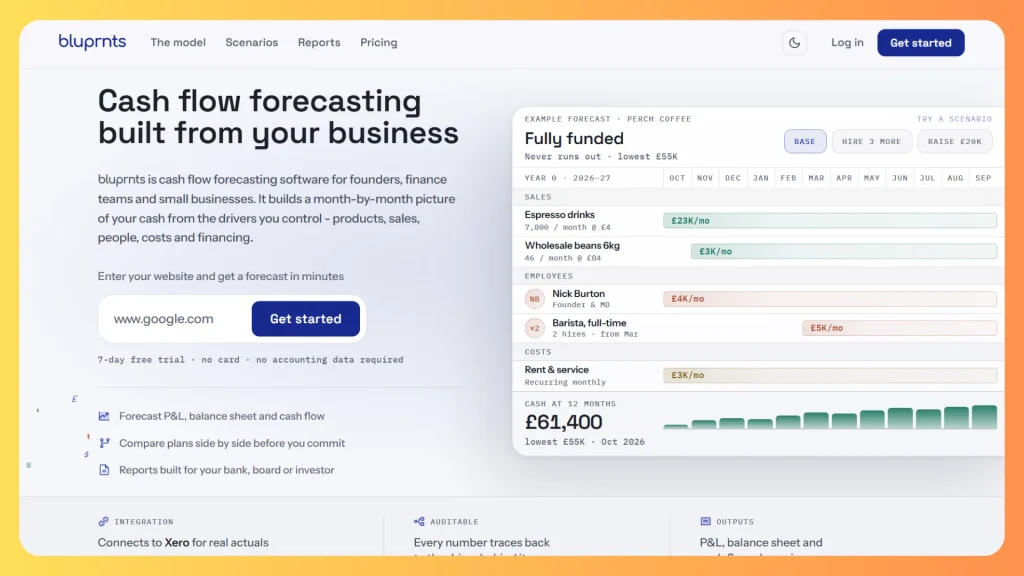
Best for: founders and small businesses that want a full forecast without a year of accounting history.
bluprnts builds a month-by-month forecast from what you control: products, sales, people, costs and financing. It then derives the P&L, balance sheet, cash flow statement, runway and breakeven. A distinctive feature is guided setup from your website address, where you confirm or correct the proposed drivers. Xero is optional, and the vendor says reports are exportable as PDF or shareable links.
Pricing: from £79 a month with a 7-day free trial, per the vendor’s site.
Watch-outs: the only integration the vendor highlights is Xero, and the product is aimed at founders and small teams rather than multi-entity groups.
Choose it if you are pre-revenue, launching a new product, or need lender-ready statements quickly.
3. Uniflow
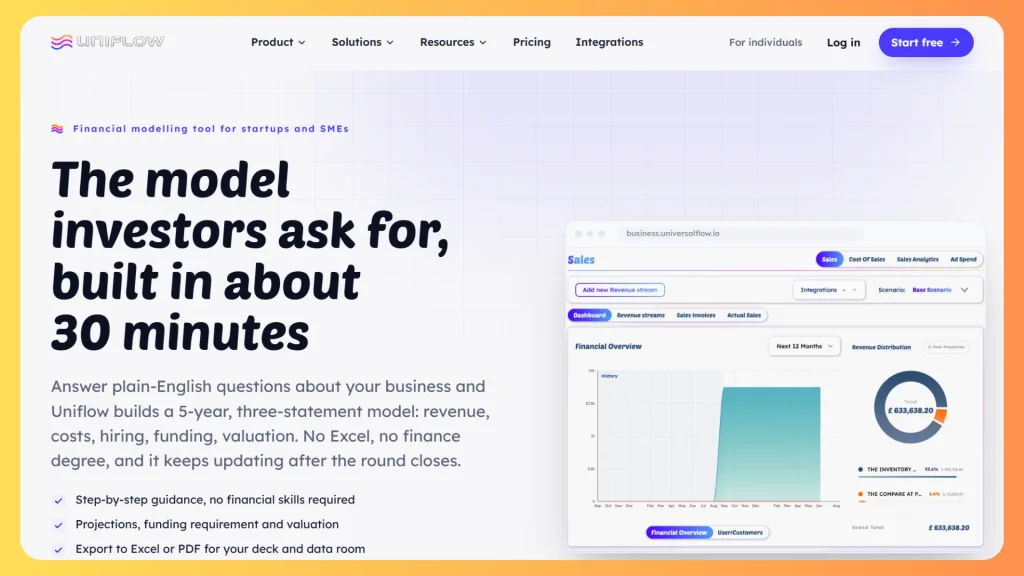
Best for: startups that want live runway, a rolling five-year forecast and fundraising tools in one place.
Uniflow connects to accounting and payment tools (Xero, QuickBooks, FreeAgent, Zoho Books, Stripe, HubSpot and others, read-only) and keeps cash, burn and a rolling forecast current. It adds headcount planning, scenario comparison, an investor pipeline and a Scaling Hub checklist.
Watch-outs: it is startup-first, and the free tier is limited by design.
Choose it if you want a low-cost, founder-friendly model that also tracks fundraising.
4. Hemrock
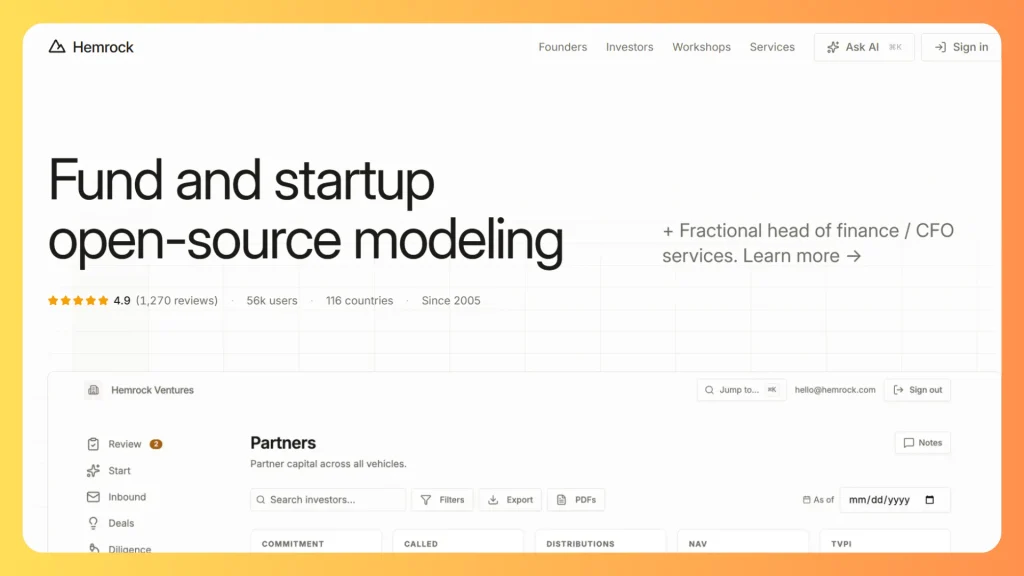
Best for: cap tables, exit waterfalls and venture fund economics.
Hemrock, formerly Foresight, offers open-source spreadsheet models on a pay-what-you-want basis, web tools for cap tables and waterfalls, and a portfolio product for investment firms. It also sells services: working sessions at $395 per hour, and custom models typically quoted at $0.5K to $10K. The founder cites 56,000 users since 2005.
Watch-outs: it is not a live accounting-sync platform, so you maintain actuals yourself.
Choose it if your question is ownership, dilution or fund returns rather than monthly cash.
5. Float
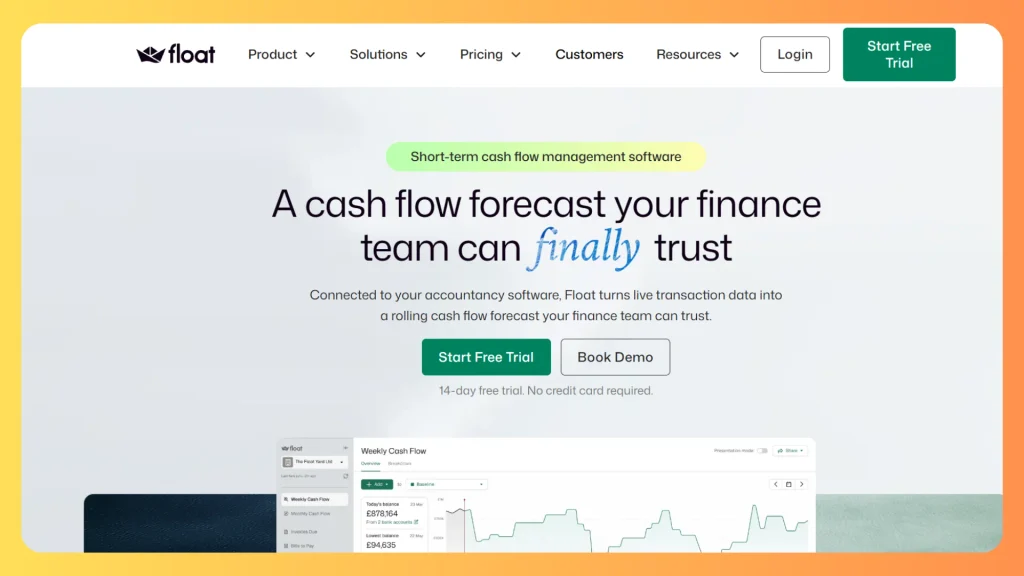
Best for: small businesses and accountants who need a clear cash position and what-if scenarios.
Float is built exclusively for Xero, QuickBooks Online or FreeAgent. It reads the amounts and dates on your bills and invoices, supports daily, weekly and monthly views, 13-week and 36-month forecasts, scenarios, and multi-entity consolidation on higher plans.
Watch-outs: it forecasts cash only, and it has little value without a supported accounting system. Some users object that price rises with revenue.
Choose it if liquidity is your main question and you already live in Xero or QuickBooks.
6. Futrli
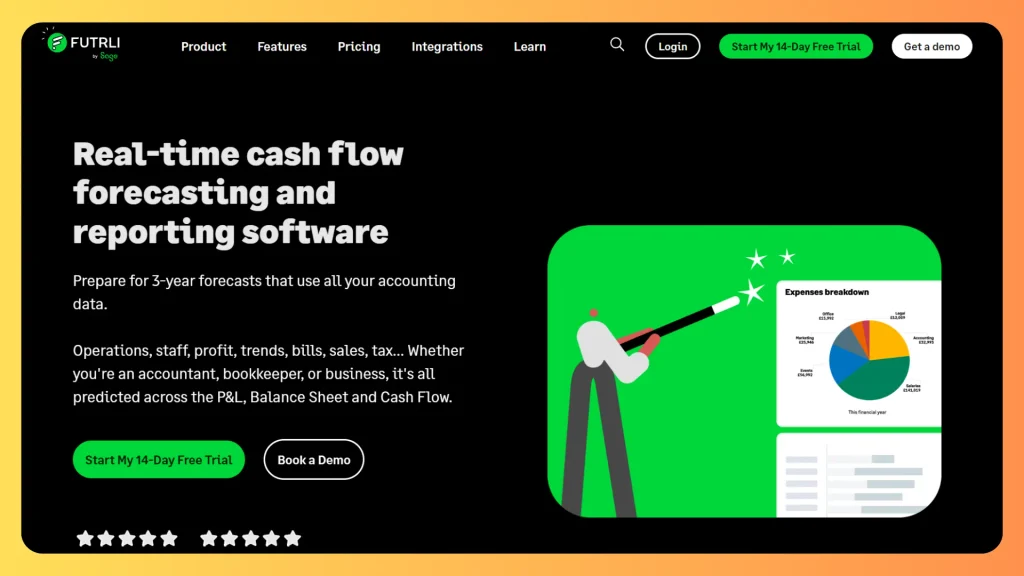
Best for: firms and businesses that want P&L, balance sheet and daily cash flow forecasts on one platform.
Futrli, now part of Sage, integrates with Xero, QuickBooks Online, Sage and Excel uploads. It offers budgets and scenarios, multi-currency consolidation, HR forecasting and customizable reporting.
Watch-outs: licence-based tiers can add up as client or entity counts grow, and the interface is built around accountant workflows.
Choose it if you advise several small clients or need integrated three-way forecasts without an enterprise suite.
7. Phocas
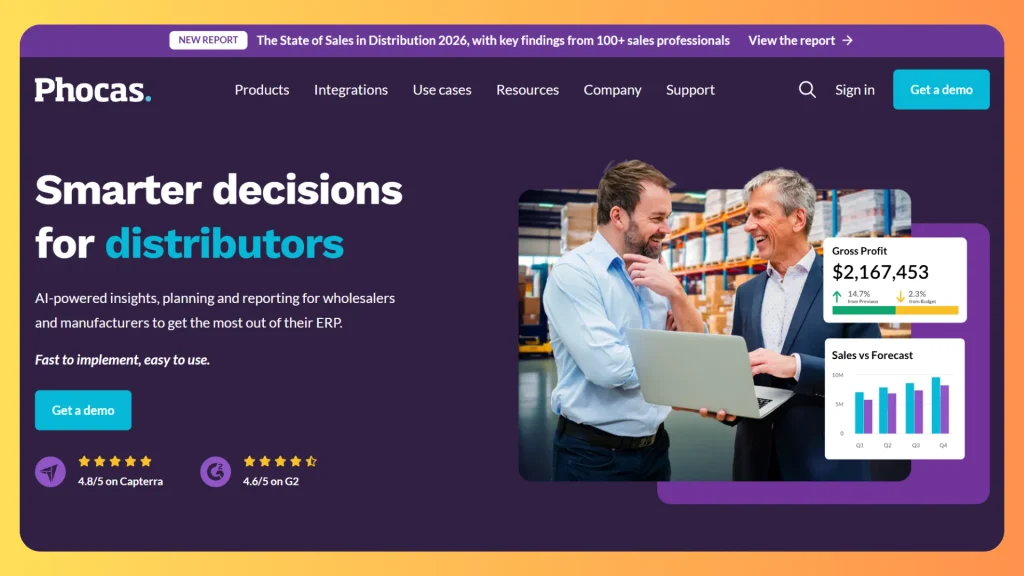
Best for: wholesalers and manufacturers that want planning tied to ERP data.
Phocas combines analytics, financial statements, budgeting and forecasting, sales forecasting and inventory analytics, with integrations to more than 200 sources including NetSuite, SAP, Infor and Epicor. The vendor reports more than 2,900 customers and ratings of 4.8 on Capterra and 4.6 on G2.
Watch-outs: it is positioned for distribution and manufacturing, so a SaaS startup would be paying for capabilities it does not need.
Choose it if your forecast depends on inventory, rebates and sales analytics drawn from an ERP.
8. Poindexter
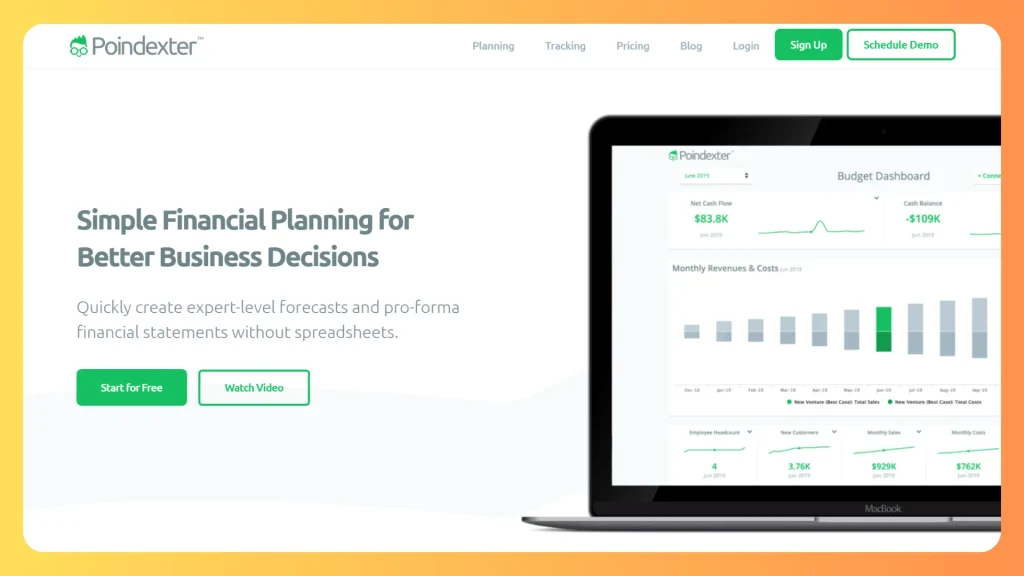
Best for: owners and early-stage teams who want projected statements from templates, with no spreadsheet.
Poindexter offers templates for e-commerce, retail, SaaS and manufacturing, pro forma income statements and balance sheets, what-if scenarios and Xero-based tracking.
Watch-outs: it targets simple planning; check consolidation and integration needs before relying on it.
Choose it if you need a credible pro forma for a loan, plan or first raise at minimal cost.
9. Graphite Financial
Best for: VC-backed startups that would rather hire a team than operate software.
Graphite is a service, not a modeling tool. It provides accounting, tax, payroll, HR and FP&A, including capital modeling and runway forecasting for board reporting. It also publishes free SaaS financial model and cash flow forecast templates.
Pricing: custom, via its pricing and packaging page.
Choose it if you need the numbers owned and maintained by experts, and you will pay for people rather than a licence.
10. Slidebean

Best for: founders preparing a raise who want the model and the deck to match.
Slidebean is best known for pitch decks, and also offers a free startup financial model template, a financial modeling bootcamp and a budgeting service in which analysts organize your data into a model.
Pricing: free template; services quoted on request.
Watch-outs: this is a templates-and-services offer, not a live forecasting platform.
Choose it if your goal is an investor-ready model and deck for one fundraising round.
11. VOGSY
Best for: consultancies and agencies that need forecasting tied to staffing, projects and invoicing.
VOGSY is an ERP for professional services. It covers project accounting with multi-currency P&L, revenue forecasts and margin analysis, plus resource planning and invoicing, and integrates with Xero, QuickBooks, Sage and NetSuite. The vendor lists ISO 27001 and ISO 42001 certification.
Pricing: see the vendor’s pricing page or request a quote.
Watch-outs: it is not a general-purpose modeling tool, so it fits only if your business sells billable time.
Choose it if your forecast is driven by utilization, project margin and billing.
12. Sturppy

Best for: early-stage founders who want an investor-ready model from templates, and growing companies that want an AI assistant on live accounting data.
Sturppy has two products. Sturppy Planning is for early-stage startups. You start from one of dozens of templates, or from a blank model, and edit your acquisition channels, revenue streams, hiring plan and expenses. You can invite co-founders or mentors, share a live read-only link with investors (the vendor says you can track visits), and export the model to CSV for Excel, Google Sheets or Numbers.
Watch-outs:The homepage footer reads © 2023, and CFO Chat is described as GPT-4 powered. Check that the product is actively maintained, and ask which AI model it uses today.
Choose it if you are a founder building a first investor-ready model from templates, or you want a chat-style assistant over your QuickBooks data.
Financial modeling software pricing compared
| Tool | What the price depends on | What we could verify |
|---|---|---|
| bluprnts | Plan | From £79/month (vendor) |
| Uniflow | Stage and revenue band | Free; $25/£19; from $49/£39 (vendor) |
| Float | Region and revenue band | £99 to £295 UK, $105 US, AUD 59 AU starting points |
| Futrli | Number of licences | $40, $250, $350, $550 per month, excl. VAT |
| Poindexter | Plan | Free tier; paid about $15 (third-party) |
| Hemrock | Product or service | Pay what you want; custom models $0.5K to $10K |
| Phocas, VOGSY, Graphite | Scope | Quote only |
| DevSouq | Scope | Project-based |
Costs outside the licence: implementation, data cleanup, integrations, training, an internal owner, and the cost of leaving. Ask whether you can export your models and history if you stop paying.
Best AI for financial modeling (and where it still fails)
AI can start a model faster than a person, but it does not finish one reliably. Wall Street Prep tested four AI tools on a three-statement Apple model, graded on the scale it uses for analyst trainees.
| Tool or analyst | Score out of 10 |
|---|---|
| Top analyst | 9.4 |
| Mid analyst | 7.9 |
| Low analyst | 6.4 |
| Shortcut | 5.9 |
| Claude (in Excel) | 5.5 |
| Microsoft Copilot (Agent Mode) | 4.4 |
| ChatGPT | 2.5 |
The lessons that matter to buyers:
- Speed is real. The better tools finished setup in about 15 minutes against two to three hours for an analyst.
- Data is the weak point. The top tools produced wrong historical line items that still summed to correct totals, which is dangerous because subtotals look right.
- Integration is shallow. No tool modeled interest from cash and debt balances, and most used plugs to force the balance sheet to balance.
The test dates from June 2026 and used specific model versions, so rerun your own check before trusting any tool.
How to use AI safely: upload source documents instead of asking it to find data, let it draft structure and schedules, audit line items rather than subtotals, and confirm the cash flow statement explains every balance sheet movement. Prefer tools where numbers come from a calculation engine and AI only writes commentary.
Excel vs financial modeling software
Excel is still the right tool for one-off analysis and deal models. It fails quietly when many people edit, several entities consolidate, or actuals refresh monthly.
Panko’s long-running audits of operational spreadsheets found errors in 94% of 88 spreadsheets, an older but widely cited finding. The compounding arithmetic shows why:
| Error rate per unique formula | Unique formulas | Chance of at least one error |
|---|---|---|
| 1% | 50 | about 39% |
| 1% | 200 | about 87% |
| 1% | 500 | over 99% |
A typical three-statement model with schedules passes 200 unique formulas. That is why version history, locked logic and audit trails matter. Tools that keep Excel at the front and add control behind it are one route; driver-based tools such as bluprnts and Uniflow remove the formula layer entirely.
Financial modeling software for investment banking, DCF and valuation
None of the 11 tools above is built for banker-style DCF, LBO or comps models. Those are usually built in Excel, and AI add-ins such as Shortcut and Claude in Excel target that workflow, with the review caveats above.
For valuation inside a product or process, such as automated property or asset valuation, a purpose-built model is more reliable than a generic tool. See our guides to AI automated valuation models and commercial real estate investment analysis software.
Free financial modeling software and templates
- Uniflow: free pre-revenue plan with one scenario and a six-month forecast.
- Poindexter: a free version is listed.
- Hemrock: open-source models, pay what you want.
- Slidebean and Graphite: free financial model and cash flow templates.
Free options are fine for early planning. They rarely give you multi-entity consolidation, audit trails or support, which is where paid tools earn their cost.
Build vs buy: when custom financial modeling software makes sense
For most companies, one of the tools above is the right answer. Packaged software is faster, cheaper at small scale and maintained by the vendor.
Signs a packaged tool will fit: standard budgeting and forecasting cycles, mainstream accounting systems with existing connectors, and only your finance team using the model.
Signs a custom build is worth evaluating:
- Proprietary logic: pricing, credit, risk or allocation rules sit at the core of your business.
- Unusual data: the model depends on legacy databases or industry feeds no vendor connects to.
- Client-facing use: you want modeling inside your own product.
- Seat economics: per-user licences become expensive at hundreds of users.
- Ledger integration: forecasts must read from and write back to a ledger you control. Our guide to microservices architecture in financial services shows how that connection is typically built.
| Approach | Best when | Main trade-off |
|---|---|---|
| Buy a platform | Your process is standard and speed matters | You adapt to the vendor’s roadmap and pricing |
| Build custom | Your logic or data is your advantage | Higher upfront cost and maintenance ownership |
| Hybrid | You want a platform plus custom connectors | Two systems to govern |
A hybrid is often the most practical path: keep a packaged tool for budgeting and build a custom layer for clean data feeds or specialist models. Once the model exists, business intelligence for finance turns its output into live dashboards, and our IT services for finance team can support the surrounding systems.
How to choose financial modeling software
- Write down the decision the model supports: runway, fundraising, hiring, pricing, or capital investment.
- Check your data source. If you have no accounting history, favor driver-based tools such as bluprnts or Uniflow. If your books are in Xero or QuickBooks, Float and Futrli sync directly.
- Match the category. Cash only, full three-way forecast, ownership model, or outsourced team.
- Run a proof on real numbers. Load your own actuals and test a scenario you define, not the vendor’s demo.
- Calculate three-year cost. Include licences, setup, training, an internal owner and exit.
- Confirm you can export. Models, logic and history should leave with you.
Common mistakes when choosing financial modeling software
- Buying for the demo. A polished dashboard means little if budget owners still email spreadsheets.
- Wrong category. A startup buying an enterprise suite pays for complexity it cannot use.
- Skipping data cleanup. New software exposes messy charts of accounts.
- Trusting AI output unchecked. Review line items, not totals.
- Comparing licence prices only. A cheap licence with a long setup can cost more over three years.
- Ignoring the exit. Check export options before you sign.
- Trusting vendor lists, including this one. Every vendor guide, ours included, has a commercial interest. Test on your own data.
Conclusion: choosing financial modeling software in 2026
The right financial modeling software is the one that matches your stage, your data and your team. Founders without history can start with bluprnts or Uniflow. Xero and QuickBooks users get quick value from Float or Futrli. Distributors look to Phocas, and cap table and fund questions point to Hemrock. If you want someone else to run the numbers, Graphite and Slidebean are service routes.
If your modeling logic is your edge, or licence costs are growing faster than your value from the tool, a custom build can be the cheaper asset over several years.
Ready to see whether custom financial modeling software fits? Book a scope review with DevSouq and get a cost and timeline estimate before any commitment.
Frequently asked questions
What is financial modeling software?
Financial modeling software builds forecasts, budgets and scenario models from your assumptions and, usually, live accounting data. Unlike a spreadsheet, it keeps actuals current, links the P&L, balance sheet and cash flow, and adds controls such as version history, permissions and audit trails. Some tools are driver-based; others wrap Excel.
What is the best financial modeling software for startups?
Among the tools reviewed, bluprnts and Uniflow are the closest fits for startups. Both are driver-based and built for founders, with bluprnts starting at £79 a month and Uniflow offering a free pre-revenue tier. Add Float if your main need is Xero or QuickBooks cash forecasting.
How much does financial modeling software cost?
Entry prices range from free tiers (Uniflow, Poindexter) to about £79 to £99 a month for bluprnts and Float, and $250 to $550 monthly for Futrli business tiers. Phocas and VOGSY use quotes. Budget separately for implementation, integrations and training, which can exceed the licence.
What is the best AI for financial modeling?
In Wall Street Prep’s June 2026 test, Shortcut scored 5.9 out of 10 and Claude 5.5, ahead of Copilot Agent Mode at 4.4 and ChatGPT at 2.5. All trailed a low-tier analyst at 6.4. Use AI for first drafts, then audit every line against source documents.
Is there free financial modeling software?
Yes. Uniflow has a free pre-revenue plan, Poindexter lists a free version, Hemrock’s models are open source with pay-what-you-want pricing, and Slidebean and Graphite publish free templates. Free options suit early planning but rarely include live consolidation, audit trails or support for several entities.
Is Excel still good enough for financial modeling?
Excel remains the standard for one-off and transaction models. It struggles when many people edit, several entities consolidate or actuals refresh monthly. Audits of operational spreadsheets have found errors in the large majority, so teams usually add controls through a planning tool, an Excel add-in or a custom build.
What is the difference between financial modeling and FP&A software?
Financial modeling builds the forecast logic: drivers, statements and scenarios. FP&A software wraps modeling with budgeting workflow, variance analysis and reporting across departments. Small teams often need only modeling. Cash flow tools like Float cover one slice: near-term liquidity.
When should a company build custom financial modeling software?
Consider a custom build when your pricing, credit or allocation logic is proprietary, your data sits in systems no vendor connects to, clients need access inside your own product, or per-user licences get expensive. Many companies run a hybrid: a packaged tool plus custom connectors or modules.