Quick answer
For most independent pharmacies with standard volume, PioneerRx, QS/1, or BestRx are the strongest established Pharmacy Claims Processing Software, since they bundle claims adjudication into daily workflow without extra complexity.
For pharmacies with high volume, multiple payer contracts, or a proprietary copay program, Custom-built software from DevSouq Technologies can be a better choice, because it eliminates the recurring per claim fees that eat into savings at scale.
A free scope review with DevSouq will tell you which one fits your pharmacy’s actual numbers.
Key Takeaways
- Claims software splits into three categories: pharmacy management systems, dedicated claims switches, and custom builds.
- Subscription platforms run $450 to $1,500 a month plus 8 to 12 cents per claim; the per claim fee is the number to watch as volume grows.
- Established platforms (PioneerRx, QS/1, BestRx, Rx30) fit most standard volume independent pharmacies best.
- Claims switches like PowerLine separate routing from your management system; enterprise platforms like RxIQ Enterprise fit health systems, not typical pharmacies.
- Custom software from DevSouq Technologies costs more upfront but has no per claim fee, making it stronger for high volume or complex payer contracts.
- Compliance has three layers: NCPDP Telecom for claims, NCPDP SCRIPT for e prescribing, plus HIPAA and DSCSA.
- Single location pharmacies with modest volume are usually better served by an established platform.
At a Glance
| Rank | Option | Category | Pricing Model | Best For |
|---|---|---|---|---|
| 1 | DevSouq Technologies | Custom Built Software | Scoped project cost, no per claim fee | High volume or multi payer pharmacies outgrowing configuration limits |
| 2 | RedSail PowerLine | Dedicated claims switch | Subscription plus per claim fee | Pharmacies wanting switch infrastructure independent of their PMS |
| 3 | RxSense RxIQ Enterprise | Enterprise PBM platform | Custom enterprise quote | Health systems building in house PBM capability |
| 4 | PioneerRx | Full pharmacy management system | Subscription per location | Independents wanting one platform for operations and claims |
| 5 | QS/1 | Full pharmacy management system | Subscription per location | Independents and small chains wanting an established system |
| 6 | Rx30 | Full pharmacy management system | Subscription or license | Pharmacies prioritizing workflow efficiency |
| 7 | BestRx | Full pharmacy management system | Subscription per location | Independents wanting an all in one platform |
Published pricing across this category is inconsistent by design, since most vendors quote on request. Third party analysis of the market currently places subscription platforms around four hundred fifty to fifteen hundred dollars a month per location, often with an added fee of eight to twelve cents per claim, while license based platforms start near ten thousand dollars upfront plus five hundred to twelve hundred dollars a month in support. That per claim fee is the detail worth doing math on before comparing sticker prices, since it compounds with volume in a way a flat monthly number does not show. Whether claims live inside your POS or a dedicated pharmacy management system also shapes which of these fits best
1. DevSouq Technologies – Custom Built Claims Software

Overview
Custom built claims software is designed around your pharmacy’s actual payer mix, workflow, and business requirements rather than the limitations of an off the shelf platform. It requires a higher upfront investment, but offers greater flexibility and cost control as claim volume grows.
Pros
- No recurring per claim fees
- Fully customized to your pharmacy’s workflow
- Greater control over payer integrations and claims logic
- Scales with high claim volume and multiple locations
- No dependency on a vendor’s feature limitations
Cons
- Requires careful planning and technical support
- May not be cost effective for small, low volume pharmacies
Best For:
High volume, multi location, and specialty pharmacies with complex payer requirements where long term flexibility and control justify the initial investment.
Why DevSouq Technologies?
DevSouq Technologies can evaluate your pharmacy’s claim volume, workflow, and requirements to determine whether a custom built solution makes financial and operational sense. Book a free scope review to find out.
2. RedSail Technologies – PowerLine

Overview
PowerLine is a dedicated claims switch built independent of any PBM or distributor, handling eligibility checks, adjudication, and payer routing separately from whichever pharmacy management system runs daily operations. Its cloud native design supports fast response times and rapid onboarding for pharmacies wanting switch level control.
Pros
- Independent of PBMs and distributors
- Real time eligibility checking and pre and post claim edits
- Customizable cash claims adjudication
- Automated copay voucher and conversion tools
- High uptime with rapid service recreation if something fails
Cons
- Does not replace a full pharmacy management system
- Requires pairing with a separate PMS
- Best suited to pharmacies already comfortable managing two connected systems
Best For:
Pharmacies or chains wanting claims infrastructure independent of PBMs and distributors, or a secondary switch for business continuity.
Why RedSail PowerLine?
PowerLine gives pharmacies control over the switch layer without being tied to a PBM affiliated provider.
3. RxSense – RxIQ Enterprise
Overview
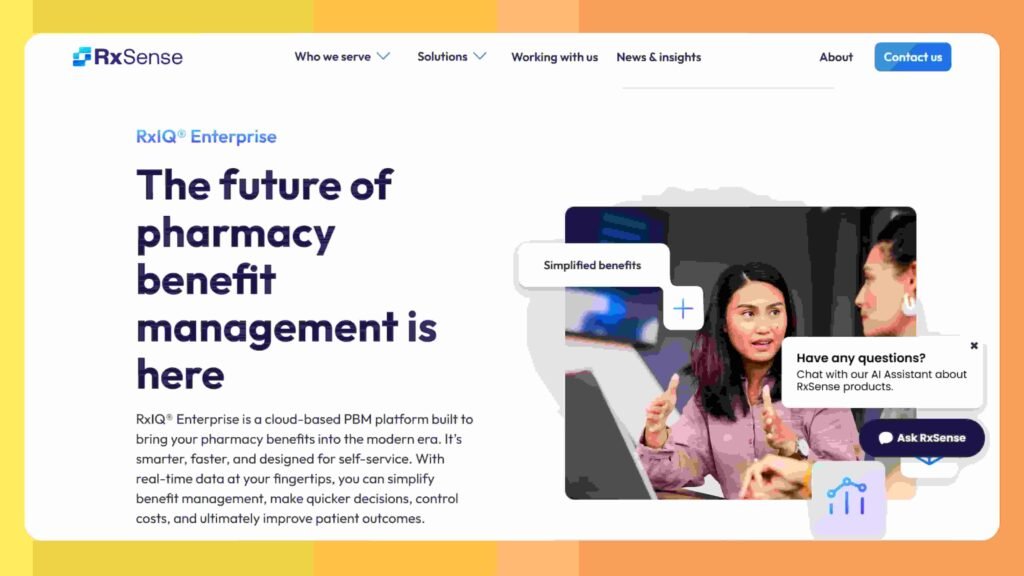
RxIQ Enterprise is a cloud based PBM platform aimed at organizations bringing benefit management in house rather than single location pharmacies. It supports real time adjudication, flexible pricing configuration, and formulary management at enterprise scale.
Pros
- Real time claims adjudication
- Dynamic, tailored pricing configuration
- Full formulary and clinical program management
- Flexible service models from turnkey to fully custom
- Proven at health system scale
Cons
- Built for enterprise scale, likely excessive for a single independent pharmacy
- Requires more internal resources to manage
- Custom quote only, no published pricing
Best For:
Health systems or large multi location operations building their own PBM capability.
Why RxIQ Enterprise?
RxIQ Enterprise brings PBM level adjudication and pricing control to organizations that would otherwise depend entirely on a third party.
4. PioneerRx
Overview
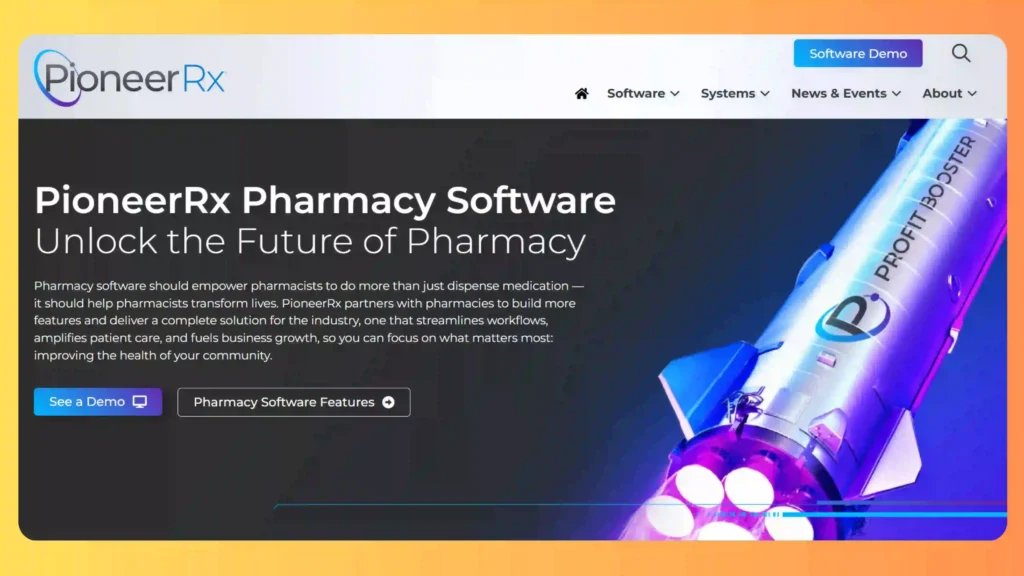
PioneerRx bundles claims adjudication into a full pharmacy management platform, combining real time claims processing with prescription dispensing, refill tracking, and pharmacist verification workflows in one system.
Pros
- Real time adjudication and eligibility checks
- Reversal processing included
- Integrates with major PBMs
- Graphical, color coded workflow tracking
- One platform for operations and claims
Cons
- Claims customization limited to what the vendor exposes
- Less flexibility for pharmacies with nonstandard payer logic
- Subscription cost scales per location
Best For:
Independent pharmacies wanting one platform for both daily operations and claims.
Why PioneerRx?
PioneerRx removes the need for a second system by folding claims handling into the same platform staff already use daily.
5. QS/1

Overview
QS/1 pairs integrated claims processing with the broader operational workload of an independent pharmacy, including BIN and PCN routing and payer contract management alongside inventory and prescription filling.
Pros
- Established, long standing platform
- Integrated BIN and PCN routing
- Payer contract management included
- Full inventory and prescription workflow
- Proven compliance and reporting tools
Cons
- Older interface conventions require more staff training
- Claims logic limited to vendor configuration
- Less modern than newer cloud native platforms
Best For:
Independent and small chain pharmacies wanting an established, full featured management system.
Why QS/1?
QS/1 offers a proven, long running platform rather than a newer, less tested one.
6. Rx30
Overview
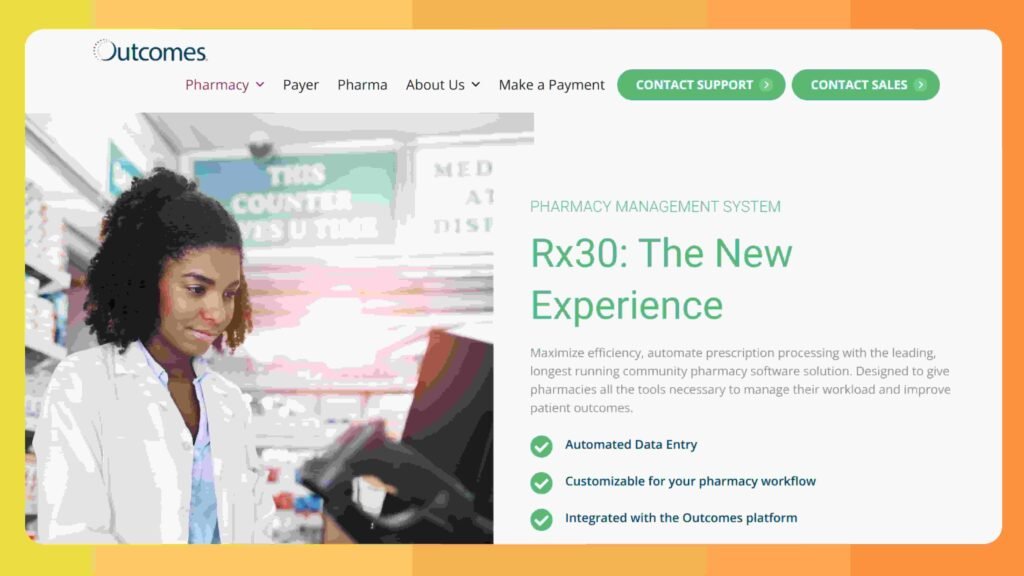
Rx30 centers its platform on day to day workflow efficiency, with automated claims submission, editing, and real time adjudication built into a broader automated pharmacy operation.
Pros
- Automated claims submission and editing
- Real time adjudication
- Fully automated electronic prescribing
- More than eighty third party integrations
- Strong point of sale integration
Cons
- Claims processing is one part of a wider system, not the primary focus
- Configuration limited to vendor options
- Best suited to pharmacies prioritizing workflow speed over claims depth
Best For:
Pharmacies prioritizing daily workflow efficiency with claims processing included.
Why Rx30?
Rx30 keeps claims processing moving as part of an already fast, automated daily workflow.
7. BestRx
Overview
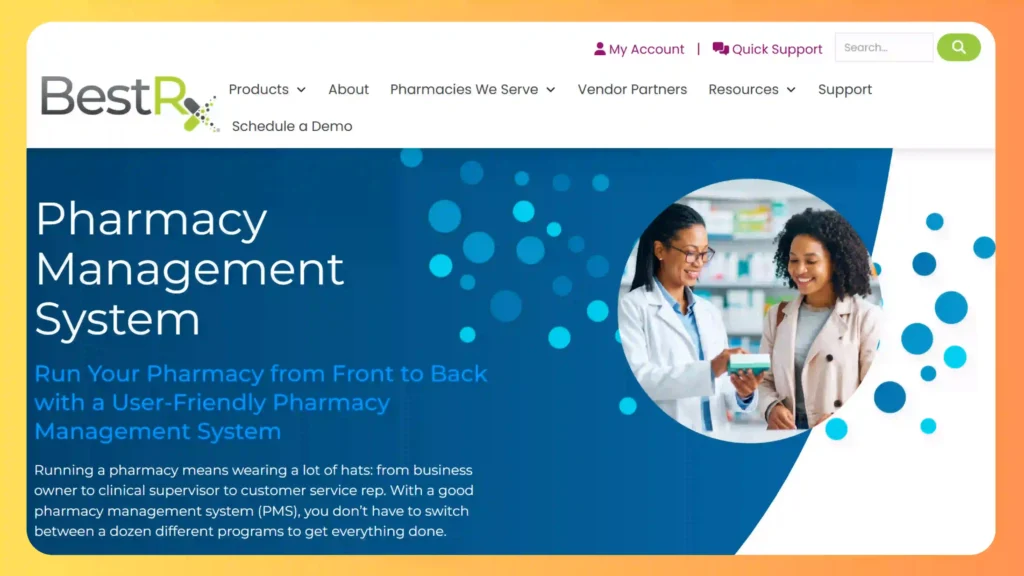
BestRx bundles claims, billing, point of sale, and prescription workflow into one platform for independent and retail pharmacies, covering the core adjudication and billing functions a full management system needs.
Pros
- One vendor for claims and daily operations
- Includes point of sale and billing
- Straightforward setup for retail and independent pharmacies
- Reporting and reconciliation tools included
- No need to source a separate claims switch
Cons
- Claims handling limited to built in configuration
- Less suited to complex, multi payer environments
- Fewer enterprise scale features than larger platforms
Best For:
Independent and retail pharmacies wanting a straightforward, all in one platform.
Why BestRx?
BestRx avoids the complexity of managing separate systems by giving independent pharmacies one platform for claims and operations.
The same one-platform logic applies on the inventory side worth checking if claims and stock tracking are pulling from the same source of truth.
Compliance Standards Every Option on This List Must Support
Whichever option a pharmacy picks, three separate compliance layers apply, and they are not the same requirement. NCPDP Telecom is the standard that structures the claim message itself and governs adjudication. NCPDP SCRIPT is a different standard entirely, covering electronic prescribing rather than claims, and vendors sometimes blur the two when a sales page just says “NCPDP compliant” without naming which standard it means. HIPAA sits on top of both, governing how patient data inside a claim gets stored and accessed, and the Drug Supply Chain Security Act adds lot level traceability requirements for controlled substances and certain high risk drugs, independent of claims adjudication entirely.
A pharmacy evaluating any option on this list should ask specifically which NCPDP Telecom version a platform supports and how HIPAA safeguards are implemented, in writing, rather than treating “compliant” as a settled checkbox.
How to Actually Choose Between These
Start with claim volume and payer contract count, not brand reputation. A single location independent pharmacy with standard payer contracts and modest volume is well served by options two through seven above, and there is no reason to overbuild past that. A pharmacy running its own copay program, managing a dozen or more payer contracts across multiple locations, or hitting per claim fees that are compounding into a real line item on the monthly budget is the pharmacy option one was built for.
The honest limitation on the custom build option is that it is not the right call for every pharmacy, and a single location shop with straightforward claim volume should generally start with an established platform rather than a custom one.
If you’re weighing that decision, our page on custom pharmacy management software development breaks down where the line usually sits.
If your pharmacy is closer to that second description, a DevSouq scope review will tell you within one conversation whether the math actually favors a custom build, rather than guessing from a pricing page.
FAQs
What is the best software for pharmacy billing?
PioneerRx, QS/1, and BestRx handle billing well for most independent pharmacies. Larger operations may need more payer flexibility than these offer.
What is the best software for processing insurance claims?
PioneerRx, QS/1, or BestRx cover standard claims processing reliably. High volume pharmacies often need more than these platforms configure for.
What software do most pharmacies use?
Most independents run PioneerRx, QS/1, Rx30, or BestRx, which bundle claims into daily dispensing and inventory workflows.
How are pharmacy claims processed?
A claim goes out through NCPDP Telecom, the payer checks eligibility and pricing, then returns an approval or rejection in real time.
What are some popular pharmacy software systems?
PioneerRx, QS/1, Rx30, and BestRx are widely used. PowerLine and RxIQ Enterprise serve claims switching and enterprise PBM needs instead.
Which billing software is easy to use?
BestRx and PioneerRx are generally considered straightforward, since both bundle billing into the same screen as dispensing.
What is the best claims management software?
QS/1 or PioneerRx work well for standard volume. High volume or complex payer contracts often need more than either offers.
What do you need to be a claims processor?
Training in pharmacy billing, insurance verification, and NCPDP claim standards, plus familiarity with the software a pharmacy runs.
How can I automate claims processing?
Most modern software automates eligibility checks and adjudication by default. High volume pharmacies sometimes automate further with custom systems.
When should a pharmacy consider custom claims software instead of buying?
Once per claim fees or payer complexity outgrow what off the shelf tools handle, custom development is worth evaluating. A free scope review with DevSouq confirms if that’s you.
{ “@context”: “https://schema.org”, “@type”: “FAQPage”, “mainEntity”: [ { “@type”: “Question”, “name”: “What is the best software for pharmacy billing?”, “acceptedAnswer”: { “@type”: “Answer”, “text”: “PioneerRx, QS/1, and BestRx handle billing well for most independent pharmacies. Larger operations may need more payer flexibility than these offer.” } }, { “@type”: “Question”, “name”: “What is the best software for processing insurance claims?”, “acceptedAnswer”: { “@type”: “Answer”, “text”: “PioneerRx, QS/1, or BestRx cover standard claims processing reliably. High volume pharmacies often need more than these platforms configure for.” } }, { “@type”: “Question”, “name”: “What software do most pharmacies use?”, “acceptedAnswer”: { “@type”: “Answer”, “text”: “Most independents run PioneerRx, QS/1, Rx30, or BestRx, which bundle claims into daily dispensing and inventory workflows.” } }, { “@type”: “Question”, “name”: “How are pharmacy claims processed?”, “acceptedAnswer”: { “@type”: “Answer”, “text”: “A claim goes out through NCPDP Telecom, the payer checks eligibility and pricing, then returns an approval or rejection in real time.” } }, { “@type”: “Question”, “name”: “What are some popular pharmacy software systems?”, “acceptedAnswer”: { “@type”: “Answer”, “text”: “PioneerRx, QS/1, Rx30, and BestRx are widely used. PowerLine and RxIQ Enterprise serve claims switching and enterprise PBM needs instead.” } }, { “@type”: “Question”, “name”: “Which billing software is easy to use?”, “acceptedAnswer”: { “@type”: “Answer”, “text”: “BestRx and PioneerRx are generally considered straightforward, since both bundle billing into the same screen as dispensing.” } }, { “@type”: “Question”, “name”: “What is the best claims management software?”, “acceptedAnswer”: { “@type”: “Answer”, “text”: “QS/1 or PioneerRx work well for standard volume. High volume or complex payer contracts often need more than either offers.” } }, { “@type”: “Question”, “name”: “What do you need to be a claims processor?”, “acceptedAnswer”: { “@type”: “Answer”, “text”: “Training in pharmacy billing, insurance verification, and NCPDP claim standards, plus familiarity with the software a pharmacy runs.” } }, { “@type”: “Question”, “name”: “How can I automate claims processing?”, “acceptedAnswer”: { “@type”: “Answer”, “text”: “Most modern software automates eligibility checks and adjudication by default. High volume pharmacies sometimes automate further with custom systems.” } }, { “@type”: “Question”, “name”: “When should a pharmacy consider custom claims software instead of buying?”, “acceptedAnswer”: { “@type”: “Answer”, “text”: “Once per claim fees or payer complexity outgrow what off the shelf tools handle, custom development is worth evaluating with a free scope review from DevSouq.” } } ] }