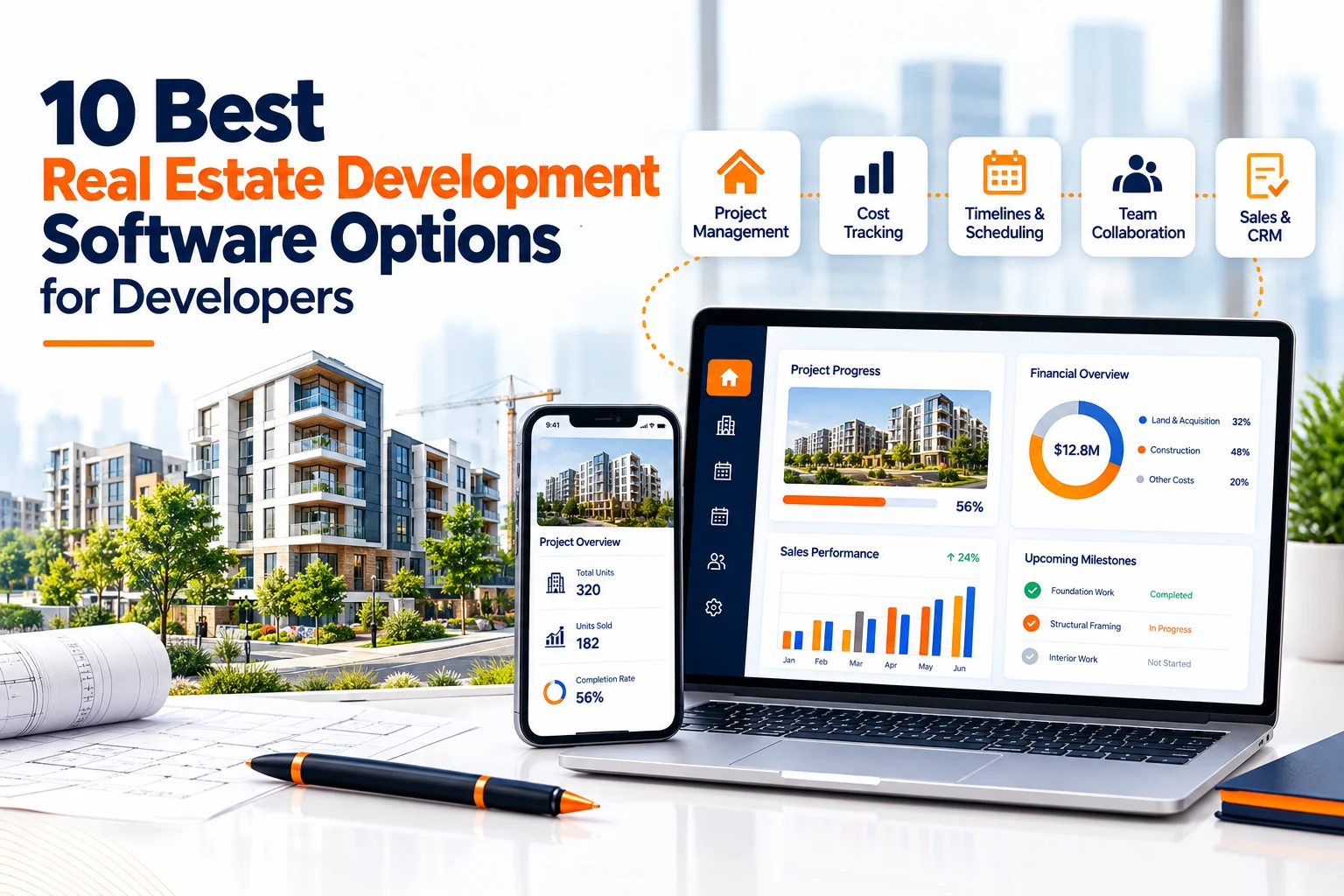
Quick Answer
DevSouq Technologies is a cost efficient choice for real estate development software, with a one time payment and no monthly fee. Off the shelf, use Land id, Regrid or PiinPoint for site research, Mastt for cost control, Buildbite for field jobs, CREBuilder for commercial marketing, and Keyvision for handovers and BTR communities.. ValueLink and Underwrite.ai serve lenders, not developers. Not sure whether to buy or build? Book a free scope review with DevSouq to find out what to build, what to buy and what it will cost.
Key takeaways
- DevSouq offers a one time payment custom build with no monthly fee, and its free scope review shows what to build and what to buy.
- Land id, Regrid and PiinPoint help you pick the site, not manage the build.
- Mastt handles owner side cost control, and Buildbite handles field jobs.
- CREBuilder covers commercial marketing, and Keyvision covers handovers and community management.
- ValueLink and Underwrite.ai are lender tools, not developer purchases.
- None of these tools replaces your accounting ledger.
The DevSouq Scope Clarity Session
A free, 30-minute session where you leave knowing the real cost, real timeline, and real risks of your project, whether you ever build with us or not.
Book Your Free Scope Clarity Session →What real estate development software actually does
Development is a chain of handoffs, and each handoff is where data gets lost. Software earns its place by carrying the same numbers forward instead of retyping them. A typical project moves through these stages:
- Acquisition and feasibility: land pricing, parcel research, zoning checks and early underwriting.
- Entitlement and design: permits, consultants and approvals.
- Financing: lender packages, valuations and draw schedules.
- Preconstruction and procurement: contracts, bids and budgets.
- Construction: schedules, field updates, change orders and payments.
- Leasing or sale: marketing packages, listings and buyer or tenant follow up.
- Stabilization: actual operating performance against the original plan.
The tools below each cover one or two of these stages well. Think of the list as a menu of building blocks, not a ranking.
How these tools were compared
Each entry is based on the vendor’s public website and pricing pages. We did not run hands on trials, so treat the fit notes as informed research, not lab testing. Prices are published list prices at the time of writing and change often, so confirm them on the vendor’s site before you budget. Where a vendor publishes no price, we say so rather than guess.
Quick comparison of the 10 tools
| Tool | Best for | Lifecycle stage | Published starting price |
|---|---|---|---|
| DevSouq Technologies | Custom CRMs, property management systems and listing portals | Any stage | One time project payment, scoped per project |
| Land id | Parcel data, boundaries and land mapping | Acquisition and due diligence | Seven day free trial; see vendor pricing page |
| Regrid | Nationwide parcel data and API access | Acquisition and site research | Free Starter account with 25 lookups per day |
| PiinPoint | Retail and commercial site selection | Feasibility and tenant matching | See vendor pricing page |
| Mastt | Owner side cost control and portfolio reporting | Preconstruction to closeout | See vendor pricing page |
| Buildbite | Trades and small builders running jobs from quote to invoice | Construction | €10 per user per month |
| CREBuilder | Commercial listing and leasing marketing | Leasing and sale | Free Starter; Pro $69 per month billed annually |
| Keyvision | Property development handovers and BTR community management | Handover and leasing | Demo request, no public price |
| ValueLink | Lenders and appraisal management companies | Financing and valuation | Demo request, no public price |
| Underwrite.ai | Lenders modeling credit risk | Financing | Free first month trial; see vendor pricing page |
1. DevSouq Technologies | Best for custom real estate software for developers
Best for: Real estate developers who need connected project workflows, custom dashboards and software tailored to their development process.
DevSouq Technologies takes a custom development approach for real estate businesses that need more than standard software can offer. Instead of relying on separate tools for property information, lead management and reporting, developers can work with DevSouq to build a solution around their specific requirements. Its custom real estate software development services cover CRMs, property management systems, listing portals, integrations and reporting tools.
What it can build for developers
Real estate developers need different tools at different stages of a project. DevSouq can develop custom applications and integrations to support workflows such as:
- Site and acquisition tracking: Organize property opportunities, site records, documents and follow-ups in a centralized system.
- Project dashboards: Bring key project information, milestones and reporting metrics together for easier monitoring.
- Budget and financial reporting: Develop tailored dashboards and workflows around available financial data, approvals and reporting requirements.
- Property and sales management: Manage buyer inquiries, leads, property listings and related records through a custom CRM or portal.
- System integrations: Connect existing business applications through APIs to reduce duplicate data entry and improve information flow.
- Web and mobile applications: Give teams and stakeholders access to relevant project information through interfaces designed for their needs.
These capabilities can be scoped around a developer’s existing systems and priorities. Specialized features such as construction scheduling, contractor management or lender draw tracking would need to be defined during discovery.
How it helps development teams
When project data is spread across spreadsheets, accounting software and separate management tools, teams may spend unnecessary time updating records and preparing reports. A custom solution can connect compatible systems and make relevant information easier to access.
For example, a developer could commission a dashboard that combines project milestones, approved budget figures and selected reporting data. The exact functionality would depend on the project’s requirements and available integrations.
How a project runs
DevSouq follows six stages: discovery, strategy and planning, design, development, testing, and launch and support. This process helps establish the required features, technical dependencies and implementation priorities before development begins.
What drives the cost?
DevSouq uses a one-time project payment model rather than recurring monthly software licence fees. Pricing depends on features, user roles, integrations and platforms. Developers can prioritize essential functionality first and expand the system as their needs evolve. Hosting, third-party services and ongoing support should also be included in the budget.
Is it the right fit?
DevSouq is worth considering when existing tools do not support a developer’s workflows or when several systems need to work together. Teams with straightforward requirements may find an off-the-shelf product more practical, while those needing tailored functionality can book a free Scope Clarity Session to discuss their requirements, project scope and estimated costs.
2. Land id
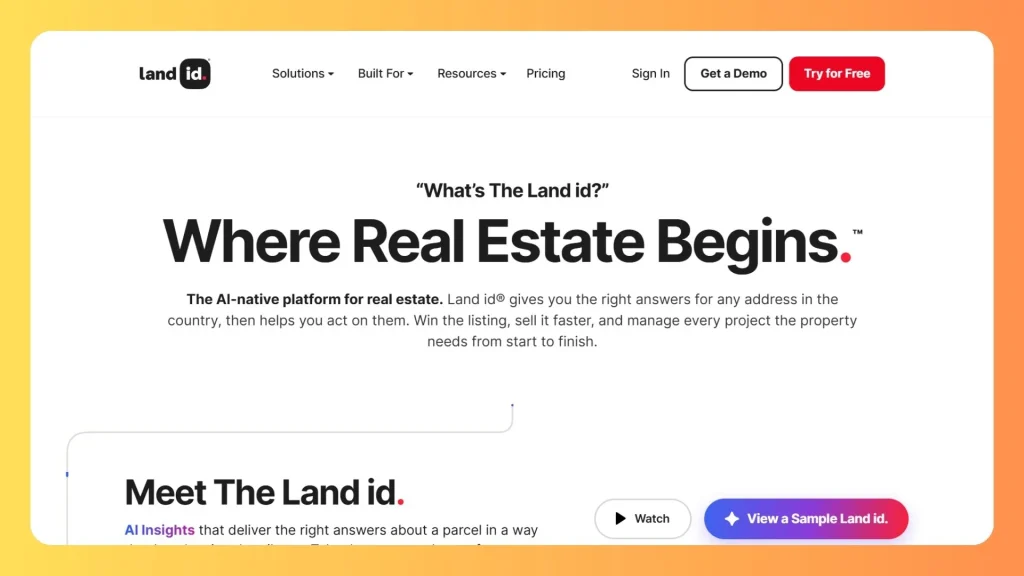
Land id is an AI native platform that gives you ownership data, parcel boundaries and property insights for any address in all 50 U.S. states. Developers use it for site scouting: draw maps, switch between 40 plus overlays, pull comparable sales reports, plot deeds and share maps that work offline. Its property development use case centers on mapping land, estimating costs and aligning stakeholders. It does not manage budgets or construction schedules, so treat it as an acquisition and due diligence tool.
Pros
- Parcel data and boundaries for any address in all 50 U.S. states
- 40 plus overlays, comparable sales reports and deed plotting
- Seven day free trial with no card, plus shareable maps that work offline
Cons
- No budgeting or construction scheduling
- Covers U.S. properties only
- The free trial lasts just seven days
Pricing: a seven day free trial with no card is offered, and plans are listed on its pricing page.
3. Regrid
Regrid focuses on parcel data and mapping across the US and Canada, and its site says the map covers 160 million land parcels. The Regrid Property App lets you investigate, analyze and visualize property data, which suits early site research and owner lookups. Teams that build their own tools can license parcel data or use the Parcel and Tiles API. It is a data layer, not project software, so it will not track budgets, contracts or schedules.
Pros
- Large parcel coverage, with 160 million parcels claimed across the US and Canada
- Free Starter account with 25 property lookups per day
- Parcel data licensing and an API for building your own tools
Cons
- A data layer only, with no project management features
- The free tier is capped at 25 lookups per day
- Enterprise licensing is a separate offering, so costs vary
Pricing: a free Starter account allows 25 property lookups per day, and API monthly plans and a data store are listed on the site. Enterprise licensing is a separate offering.
4. PiinPoint
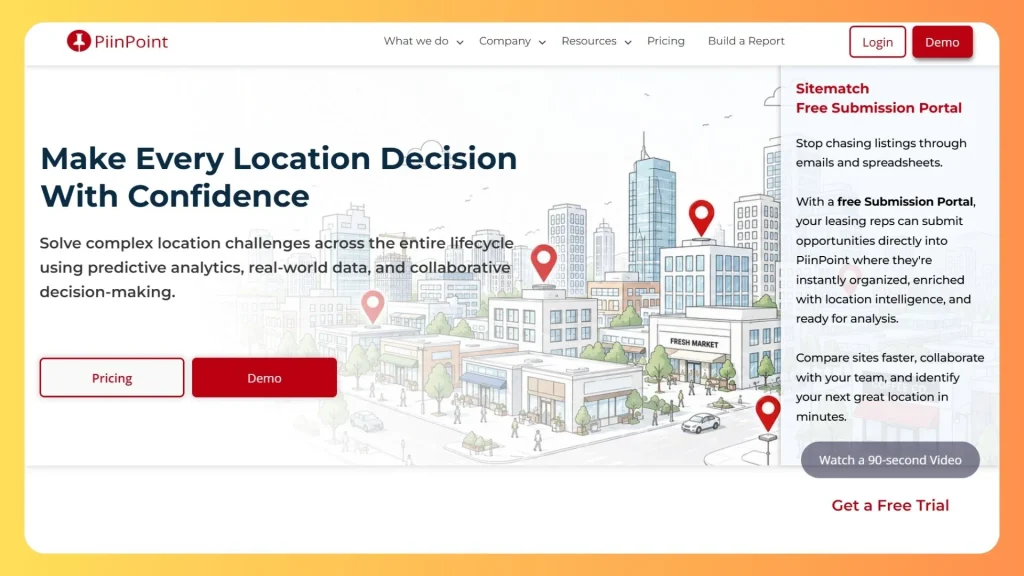
PiinPoint is a location intelligence platform that uses AI and data to help businesses choose sites. For developers of retail and commercial projects, it helps test whether a location fits what tenants look for. Features include site reports, site scoring, predictive sales forecasting, mobile location and traffic data, and Sitematch, which lets brokers upload listings straight into a map for comparison. Its customers are mostly retail and restaurant brands in North America, so it suits commercial schemes more than residential projects.
Pros
- Site scoring and predictive sales forecasting to test locations
- Sitematch lets brokers upload listings straight into a map
- Free Submission Portal and a free Sitematch trial
Cons
- Customers skew toward retail and restaurant brands
- No price shown on the homepage
- No construction tracking and less suited to residential projects
Pricing: see the PiinPoint pricing page; a free Submission Portal and a free Sitematch trial are advertised.
5. Mastt
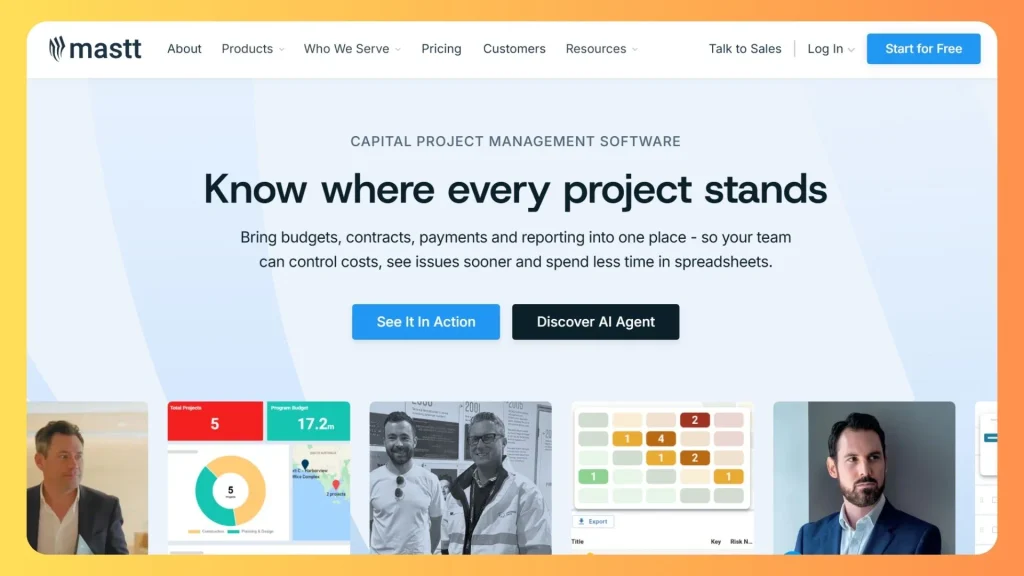
Mastt is AI powered capital project management software for owners, developers, consultants and owner’s representatives. It brings budgets, contracts, payments, forecasts, schedules, risks and documents into one place, and rolls project data up into a portfolio dashboard. An AI Agent handles admin, reporting and document review. It suits developers who need lender and investor ready cost reporting across several projects. Mastt describes itself as built for the owner’s side of construction, so pair it with a field tool if crews need time tracking and daily logs.
Pros
- Budgets, contracts, payments and forecasts in one system
- Portfolio dashboards that roll up data from every project
- An AI Agent that handles admin, reporting and document review
Cons
- Built for the owner’s side, so crews need a separate field tool
- No price shown on the homepage
- Customer logos lean toward large capital programs, so small teams may find it heavy
Pricing: check the Mastt pricing page, where the site also offers a start for free option and a product tour.
6. Buildbite
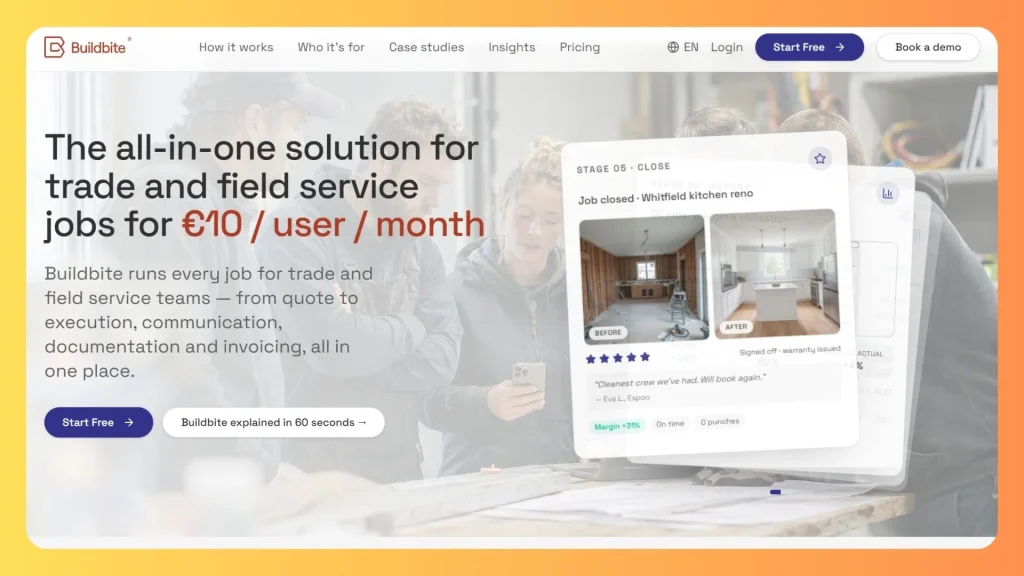
Buildbite is a job platform for construction and service teams. It runs a job from quote to schedule, field execution, invoice, close out and reporting, with an office web portal and native iOS and Android apps sharing one job record. Crews clock in with geofencing and log photos, hours and materials, and invoices export to accounting platforms such as Fortnox, Visma and Xero. It fits builders, remodelers and specialty contractors, not owner side capital planning.
Pros
- Low published price of €10 per user per month
- Office web portal plus native iOS and Android apps on one shared job
- Accounting exports to Fortnox, Visma, Xero and seven more
Cons
- Aimed at trades and field service, not developer capital planning
- No owner side draw or portfolio management
- Named accounting integrations lean toward European platforms, so check your fit
Pricing: the homepage advertises €10 per user per month with a free trial and no credit card. Its case study figures, such as 2.5 hours saved per person per day, are vendor reported.
Keyvision
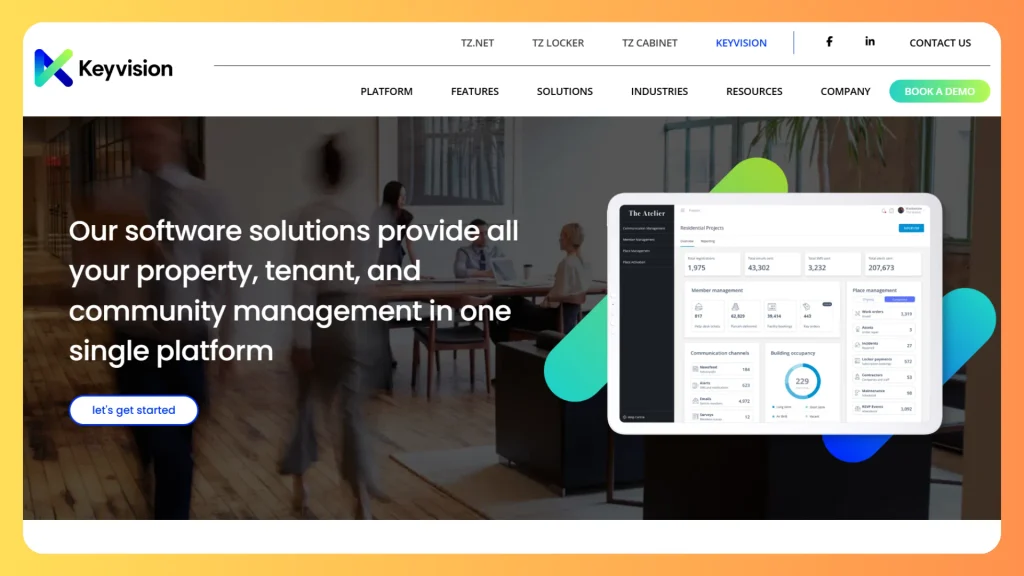
Best for: Property developers managing post-construction handovers, settlement tracking, and build-to-rent (BTR) communities.
Keyvision is a property and building management platform designed by industry professionals to bridge the gap between developers, management teams, and purchasers. It streamlines post-construction operations, including settlement tracking, tenant/resident communication, help desks, and facility management. It fits developers working on residential high-rises, master-planned communities, or build-to-rent projects who need to keep buyers and occupants engaged after the build closes.
Pros
- Specialized in post-construction handovers and settlement tracking
- Strong features for build-to-rent (BTR) and master-planned communities
- Built-in help desk, communication portals, and real-time analytics
Cons
- Not built for early-stage land acquisition or hard-core construction budgeting
- Pricing requires a demo request, with no public rates listed on the site
8. CREbuilder
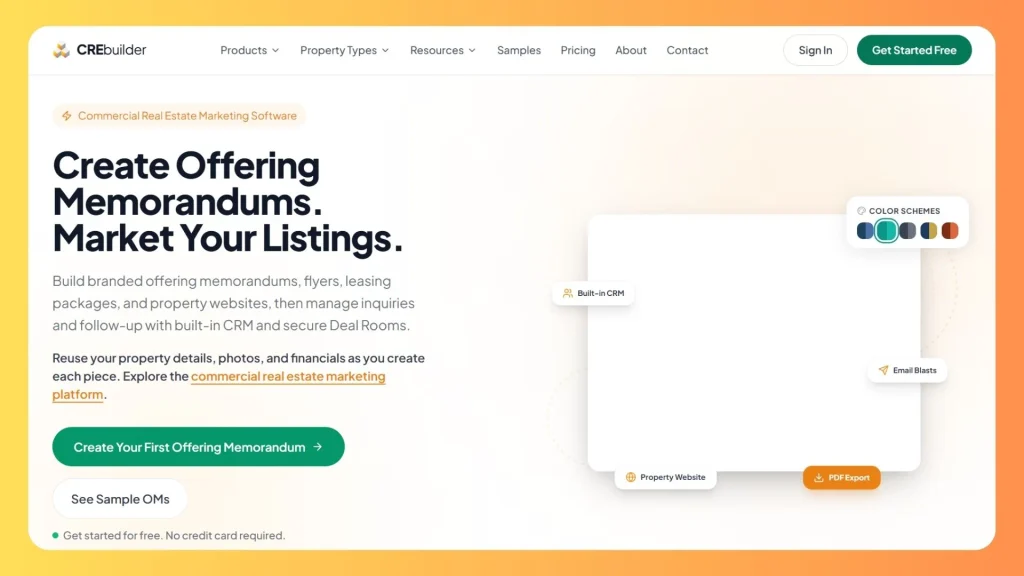
Best for: Commercial real estate developers and brokers creating listing marketing materials, deal rooms, and offering memorandums.
CREBuilder turns a property address into offering memorandums, sales teasers, leasing packages, flyers, and broker opinions of value. It adds property websites that can run on your own domain, a built-in CRM, NDA-gated deal rooms, and email blasts—all fed by a single property record. Templates cover ten commercial property types, complete with rent roll, pro forma, and cap rate calculations. It suits developers and brokers selling or leasing commercial assets, though it does not track construction.
Pros
- Offering memorandums, flyers, listing sites, CRM, and deal rooms generated from one record
- Custom templates for ten commercial property types
- Free Starter plan available to test the platform
Cons
- Focused strictly on marketing and deal flow, with no construction tracking
- Free documents are capped at three and carry a watermark
- Extra seats add to the monthly cost
Pricing: Starter is free with three documents and a watermark; Pro is $89 per month, or $69 per month billed annually; extra seats start at $38 per month on annual billing.
9. ValueLink
ValueLink is an appraisal management platform for lenders, appraisal management companies and appraisers. It automates ordering, tracks valuations in real time and connects to loan origination systems. Its site cites more than 300 lenders and AMCs and a marketplace of over 40,000 appraisers, which are vendor stated figures. Developers rarely buy it, but their lenders may run valuations through platforms like it, so knowing the process helps you prepare cleaner documents and anticipate timelines. It is built around mortgage valuations, not development management.
Pros
- Vendor cites 300 plus lenders and AMCs on the platform
- Marketplace of more than 40,000 appraisers
- Connects to loan origination systems
Cons
- Not a tool developers buy directly
- No public pricing, and a demo request is required
- Built around mortgage valuations, with no project features
Pricing: no public price; the site routes buyers to a demo request.
10. Underwrite.ai
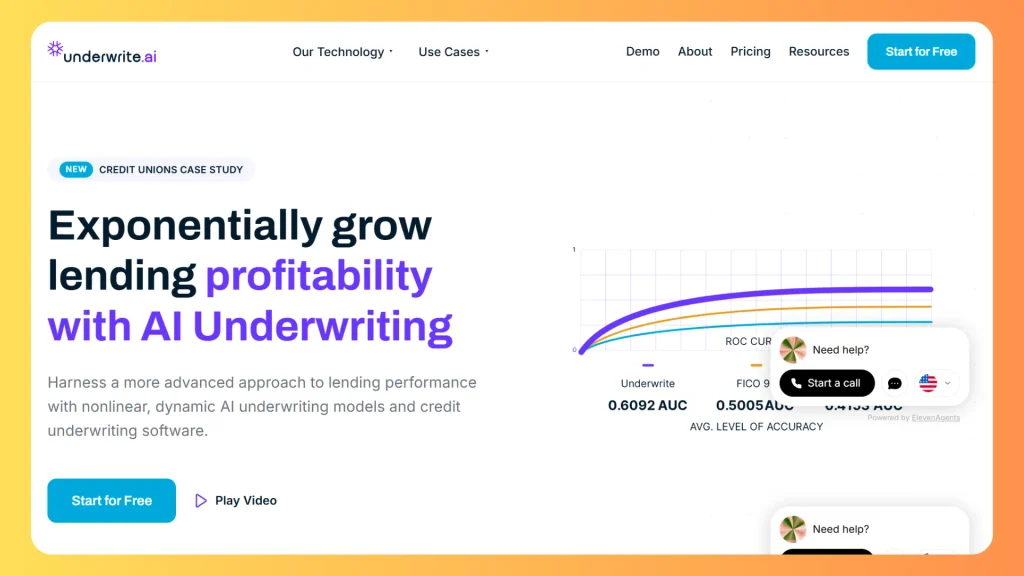
Underwrite.ai provides AI underwriting and credit risk models for lenders. Its hybrid design pairs a gradient boosting model with a rule layer for credit policy and a language model that explains each decision but never makes one. Models are built from your own loan and application data. Developers who offer buyer financing, run a lending arm or build proptech products may find it useful, but it is not a tool for managing a development project.
Pros
- Explainable decisions, since the language model explains but never decides
- Free first month to test it
- Credit models built from your own loan data
Cons
- Built for lenders, not developers
- Setup starts with sending your loan and application data
- No development or project management features
Pricing: the site advertises a free first month, with plans for SMB lenders and consumer lenders; confirm terms on its pricing page.
What subscriptions add up to over five years
Per seat pricing looks small until you multiply it. The table below uses the published list prices from this guide and assumes no price changes. It is arithmetic, not a quote.
| Scenario | Annual cost | Five year cost |
|---|---|---|
| Buildbite, 10 users at €10 per user per month | €1,200 | €6,000 |
| CREBuilder Pro annual, 1 seat at $69 per month | $828 | $4,140 |
| CREBuilder Pro annual, 5 seats (1 at $69 plus 4 extra at $38 per month) | $2,652 | $13,260 |
A custom system has a very different curve. You pay the build cost up front, then only for optional support, hosting and enhancements. The break even point depends on your user count, so a scope review is the honest way to compare.
Accounting software for real estate developers: what these tools cover
Buyers searching for accounting software for real estate developers usually want job costing by phase, draw reconciliation with the lender, retainage tracking and clean handoffs to the general ledger. Here is how the tools above fit:
- Budgets, commitments and payments: Mastt tracks these and rolls them up across projects.
- Invoices from job data: Buildbite builds invoices from logged hours and materials and exports them to supported accounting platforms.
None of the nine off the shelf products here presents itself as a general ledger. Plan to pair them with your accounting platform. If your workflow needs custom approvals, multiple entity reporting or a bespoke integration, custom finance software development is worth scoping.
Free real estate development software: what you actually get
True free tools exist, but they cap volume or features:
- Regrid: a free Starter account with 25 property lookups per day.
- Land id: a seven day free trial with no card.
- PiinPoint: a free Submission Portal and a free Sitematch trial.
- CREBuilder Starter: three documents with a watermark and a limited free CRM.
- Buildbite: a free trial with no credit card.
- Mastt: a start for free option on its site.
- Underwrite.ai: a free first month for qualifying lenders.
Free tiers are best for testing fit. Before you rely on one, check document limits, user limits and whether your data stays exportable.
What to look for in real estate project management software
Generic task tools struggle with development because the work involves money, approvals and outside parties. When planning your system requirements, you can also look at frameworks like the Urban Land Institute to align with industry standards. Use this checklist when you compare options:
- Phases and tasks that mirror your real project stages.
- Change order and approval flows with a clear record of who approved what.
- Role based permissions so contractors, investors and clients see only what they should.
- Mobile access for site teams, ideally a native app. A custom mobile app is an option when no product fits your crews.
- Document control with version history for drawings, contracts and permits.
- Reporting that lenders and investors can read without rebuilding it in a spreadsheet.
- Exports and integrations so data is never trapped in one system.
Build vs buy: a decision guide
| Your situation | Likely best path |
|---|---|
| One or two projects, standard process | Buy a subscription |
| Fast growing team, many seats | Price a custom build against five year subscription cost |
| Unusual workflow or compliance needs | Custom build |
| Need a branded buyer or tenant portal | Custom build or a configurable platform |
| Need parcel or location data fast | Buy a data tool, then integrate through an API if needed |
| Need lender grade cost reporting now | Buy, then integrate later |
A practical approach is to buy for commodity needs, such as parcel data, marketing documents or cost tracking, and build only where your process is truly different. For listing portals and client facing sites, web development and UI and UX design decide whether people actually use the result. If you want AI features such as lead scoring or document extraction, scope them against a defined problem first through AI and machine learning services.
How to choose in five steps
- Map your stages. List where data is retyped today.
- Rank your pain. Weak site research, cost overruns, slow reporting, lost leads or poor field visibility each point to a different tool.
- Shortlist two or three products and run a trial on one live project.
- Price the five year cost, not the monthly sticker.
- Decide on custom only if no option fits after that test.
Conclusion
The best real estate development software is the combination that matches your biggest bottleneck. DevSouq suits teams whose workflows no product fits. Land id, Regrid and PiinPoint support site research. Mastt suits owner side cost control, Buildbite suits field and job management, CREBuilder suits commercial marketing, keyvision for post-construction handovers and BTR management. ValueLink and Underwrite.ai help you understand the lender side. When off the shelf options fall short, a custom build removes the monthly bill and shapes the software around your workflow.
If you are weighing that option, DevSouq offers a free scope clarity session to review your requirements, integrations and what could be phased.
The DevSouq Scope Clarity Session
A free, 30-minute session where you leave knowing the real cost, real timeline, and real risks of your project, whether you ever build with us or not.
Book Your Free Scope Clarity Session →Frequently asked questions
What is real estate development software?
It is software that helps developers manage a project from land acquisition through construction and sale. It typically covers budgets, schedules, documents, payments, approvals and reporting. Most developers combine several specialized tools because no single product covers every stage well.
Is there free real estate development software?
Yes, but with limits. Some vendors offer free starter tiers, free trials or free calculators, usually capped by documents, users, lookups or time. Free tiers are useful for testing fit, but check export options before storing critical project data in them.
What is the best accounting software for real estate developers?
The best choice depends on your entities, lenders and job costing needs. The tools in this guide handle budgets, invoices and operating data but are not general ledgers. Most developers pair a project cost tool with a dedicated accounting platform.
How is real estate project management software different from generic tools?
It is built around phases, change orders, payments, approvals and stakeholder reporting. Generic task tools track work, but they rarely handle budgets against commitments or lender style reporting without heavy customization.
Is custom software cheaper than a subscription?
It can be, at larger team sizes or over several years, because a custom build is a one time project payment with no monthly licence fee. It costs more up front, and hosting, third party services and support are separate. Compare five year totals.