Quick Answer
Real estate marketing automation is software that captures every property inquiry, replies within minutes, scores buyer intent, and keeps nurturing each lead until they book a viewing. Start with an instant reply workflow, then add a CRM, forms, booking, and texting, and track response time and lead to viewing rate. Always keep consent records and a human handoff in place. For a workflow built around your own process, get a free scope review from DevSouq, a cost efficient custom builder with no monthly fee.
Key takeaways
- Speed decides outcomes. A Harvard Business Review audit of 2,241 US companies found an average first response time of 42 hours among firms that replied within 30 days, and firms that contacted a lead within an hour were nearly seven times more likely to qualify it than firms that waited longer.
- Automate the repeatable moments first: instant reply, listing alerts, viewing reminders, post viewing questions, and referral requests.
- Software is only half the system. Consent records, clean data, and a human handoff matter as much as the tool.
- Choose by workflow fit, integrations, and total cost over time, not by feature count.
The DevSouq Scope Clarity Session
A free, 30-minute session where you leave knowing the real cost, real timeline, and real risks of your project, whether you ever build with us or not.
Book Your Free Scope Clarity Session →What Is Marketing Automation? A Plain Definition
The marketing automation meaning is simple: software runs a predefined marketing action when a trigger happens. Every automation has three parts.
- Trigger: something happens, such as a form submission, a saved listing, a missed call, or a date.
- Condition: a rule checks the facts, such as buyer or seller, budget band, or area.
- Action: the system responds, such as sending a message, tagging the contact, creating a task, or alerting an agent.
So what is marketing automation in practice? It is a set of these rules working together across email, text, chat, your website, and your CRM. When the rules are built around property buying and selling, it becomes real estate marketing automation.
Automation is not the same as bulk sending. A newsletter to everyone is a broadcast. An automation reacts to what one person just did.
What Is Real Estate Marketing, and Where Automation Fits
So what is real estate marketing? It is everything you do to attract and convert people who want to buy, sell, rent, or invest in property. That includes listing promotion, local branding, content, paid ads, email, referrals, open houses, and the website that ties them together. For a wider view of how technology is reshaping these channels, see our overview of real estate technology trends.
Marketing creates attention. Automation protects that attention from leaking away.
| Marketing task | Done manually | Done with automation |
|---|---|---|
| Replying to a new inquiry | When an agent notices it | Within minutes, any hour |
| Sorting leads | By memory or spreadsheet | Tagged by type, area, and budget on entry |
| Sending listing updates | Copy and paste to a list | Matched to each contact’s saved criteria |
| Viewing reminders | Calls and texts by hand | Scheduled messages with location and time |
| Asking for a review | Often forgotten | Triggered after the deal closes |
Many owners also work with a real estate & marketing company for strategy, creative, and ad management. That works well when the agency designs the campaigns and your own system handles the follow up. Make sure you own the lead data and the CRM account, so your pipeline does not disappear if the contract ends.
Marketing Automation Examples for Real Estate Agents
These are the workflows that repeat in almost every successful setup. Start with the first two, then add the rest.
1. Speed to lead reply. Every inquiry from a portal, ad form, website, or chat gets an acknowledgement within minutes. It confirms the property or area, asks one question, and offers a viewing time.
2. Buyer drip campaigns. New buyers receive a short series: a neighborhood guide, a financing or paperwork explainer, and listings that match their criteria. Each message carries one clear action.
3. Seller valuation sequence. When a seller asks for a valuation, the system sends an acknowledgement, a short intake form for property details, and a reminder to book a call. If you use pricing models, our article on the AI automated valuation model explains how data driven estimates are produced.
4. Open house and viewing follow up. Attendees receive thanks, the property brochure, similar listings, and a question about what they liked.
5. Saved search and listing alerts. When a new listing matches a contact’s criteria, an alert goes out automatically.
6. Re engagement. Contacts who went quiet receive a check in asking whether plans have changed, with a clear opt out.
7. Post closing referrals and reviews. A few days after closing, the client receives a thank you and a review request. Later messages mark the move in anniversary and share neighborhood updates.
A Timed Workflow You Can Copy
Most competitor guides list ideas without timing. Timing is what makes a workflow work. Treat the schedule below as a starting template and adjust it to your market.
| When | Trigger | Automated action | Human action |
|---|---|---|---|
| Minutes 0 to 5 | New inquiry | Acknowledge by text or WhatsApp and email, tag buyer or seller, create a task | Agent is alerted |
| Within 1 hour | No reply yet | Send brochure link and two viewing time options | Agent calls if the lead scored high |
| Day 1 | Still no reply | Email with area guide and similar listings | None |
| Day 3 | Link clicked, no booking | Short message asking about budget range or timeline | Agent reviews replies |
| Day 7 | No activity | Educational tip email or a local market snapshot | None |
| Days 14 to 30 | Low engagement | Re engagement message with opt out | Remove inactive contacts |
| After a viewing | Viewing marked complete | Thank you plus one feedback question | Agent follows up on answers |
| After closing | Deal marked closed | Review request, then anniversary messages | Personal call from the agent |
Two design rules apply. First, any reply from the lead stops the automated sequence and hands the conversation to a person. Second, quiet hours apply: queue messages for the next morning instead of sending them overnight, except for the instant acknowledgement.
Real Estate Marketing Message Examples
A good real estate marketing message is short, specific, and asks for one thing. Use the contact’s name, the property or area, and a clear next step.
| Moment | Sample message |
|---|---|
| Instant reply, buyer | Hi {first name}, thanks for asking about {property}. I can send the brochure and arrange a viewing. Do weekday evenings or weekends suit you better? |
| Seller valuation | Hi {first name}, your valuation request for {area} has arrived. Please share the property type and size and we will reply with a range. |
| After a viewing | Thanks for visiting {property} today. What did you like, and what would you change? Reply here and I will shortlist similar options. |
| Re engagement | Still searching in {area}? Tell me if your budget or timeline changed. Reply STOP to opt out. |
Keep promotional claims honest. Do not promise prices, returns, or timelines your team cannot guarantee.
Channels: Email, SMS, WhatsApp, and Social
No single channel does everything. Match the channel to the job.
| Channel | Best for | Limits to plan for |
|---|---|---|
| Listing alerts, guides, newsletters, longer explanations | Lower urgency, inbox filtering, needs sender authentication | |
| SMS | Time sensitive notes such as viewing reminders | Strict consent rules in many countries, short length |
| Conversational follow up, brochures, location pins, viewing invitations | Business messaging generally needs opt in and approved templates outside the customer service window | |
| Social lead forms and chat | Capturing inquiries from ad clicks and profile visits | Leads need an instant reply or they cool quickly |
| Phone task | High intent leads and negotiations | Needs a person, so automate the alert, not the call |
What to look for in the best email marketing software for real estate
Instead of a ranked list that goes stale, use these criteria to test any email tool.
- Segmentation by buyer, seller, investor, tenant, area, price band, and stage
- Two way sync with your CRM, so fields such as budget and area drive the content
- Listing alert templates and dynamic content blocks
- Sender authentication support (SPF, DKIM, and DMARC) and good deliverability tools
- Reliable unsubscribe handling and suppression lists
- Reporting on clicks and replies, not only opens
- Pricing that stays reasonable as your contact list grows
Real Estate Marketing Automation Software vs Platform
People use the two terms loosely, but the difference helps when you shop.
- Software usually does one job well, such as email, SMS, forms, or scheduling.
- A platform bundles several jobs around a shared contact database, typically CRM, email, messaging, forms, and reporting.
Most real estate marketing automation software fits one of these categories.
| Category | What it does | Choose it when | Check before buying |
|---|---|---|---|
| CRM | Stores contacts, deals, notes, and pipeline stages | You have more than a handful of leads each week | Lead routing, mobile app, import and export |
| Email marketing | Sends campaigns and triggered emails | You run listing alerts and newsletters | CRM sync, deliverability, segmentation |
| SMS and WhatsApp | Sends instant, conversational messages | Speed to lead matters most | Consent capture, templates, opt out handling |
| Forms, landing pages, chat | Captures inquiries | Ads or portals drive your traffic | Tagging and instant routing |
| Connectors | Moves data between apps | Your tools do not integrate natively | Error alerts, data mapping |
| Reporting | Shows source quality and conversion | You spend on ads or portals | Source tracking down to the campaign |
A real estate marketing automation platform makes sense when you want one source of truth. Separate tools make sense when you already own a strong CRM and only need to fill a gap.
What Are the Best Real Estate Marketing Automation Tools?
The best real estate marketing automation tools depend on the job. A real estate CRM such as RealOffice360 or Pipedrive holds contacts and triggers follow ups. Add Fillout for forms, Mailparser for portal leads, SlickText for texting, OnceHub for booking, and Folio for transaction updates. Choose the smallest stack that covers your gaps.
How the shortlist was chosen: real estate fit, depth of automation, ease of connecting to other tools, clear pricing, and honest limits. Features and plans change, so confirm details on each vendor’s page before you commit.
| Tool | Best for | Pricing model | Main limitation |
|---|---|---|---|
| RealOffice360 | Simple real estate CRM for agents and small teams | Per user monthly plans with a free trial | Fewer advanced features than larger CRMs, and extra users add cost |
| Pipedrive | Pipeline CRM with automation and optional email and chat add ons | Per seat monthly plans, free trial, no permanent free plan | A general sales CRM, so real estate fields need setup, and add ons raise the total |
| Mailparser | Turning portal inquiry emails into structured leads | Free trial, then paid plans | Depends on each portal’s email format, and templates focus on major US portals |
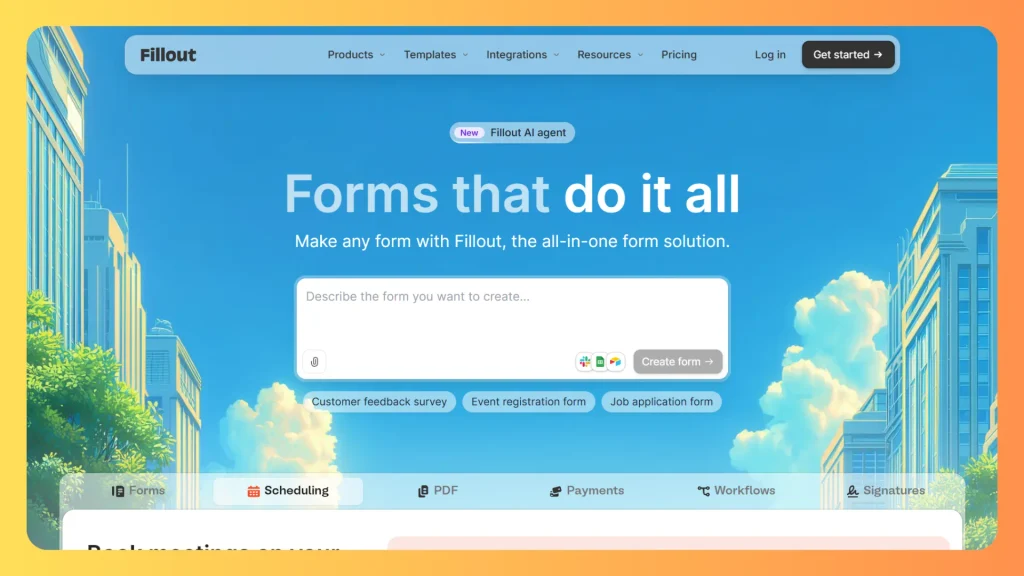
| Fillout | Lead forms, valuation requests, and viewing requests | Free plan with paid tiers | Not real estate specific, and advanced features sit on paid tiers |
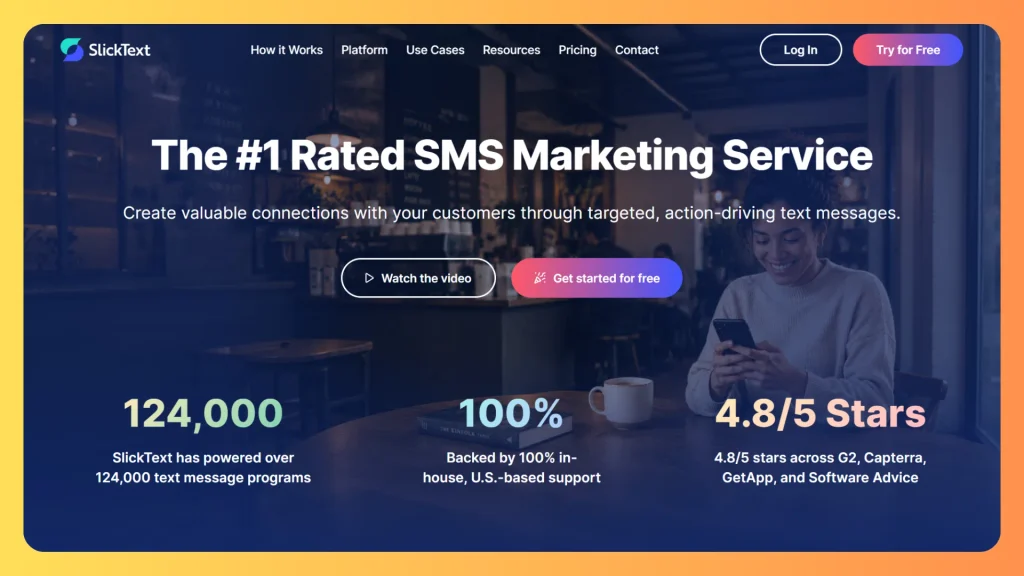
| SlickText | Text campaigns, viewing reminders, and drip messages | Monthly plans based on message volume | Basic analytics and limited advanced automation, so confirm country coverage |
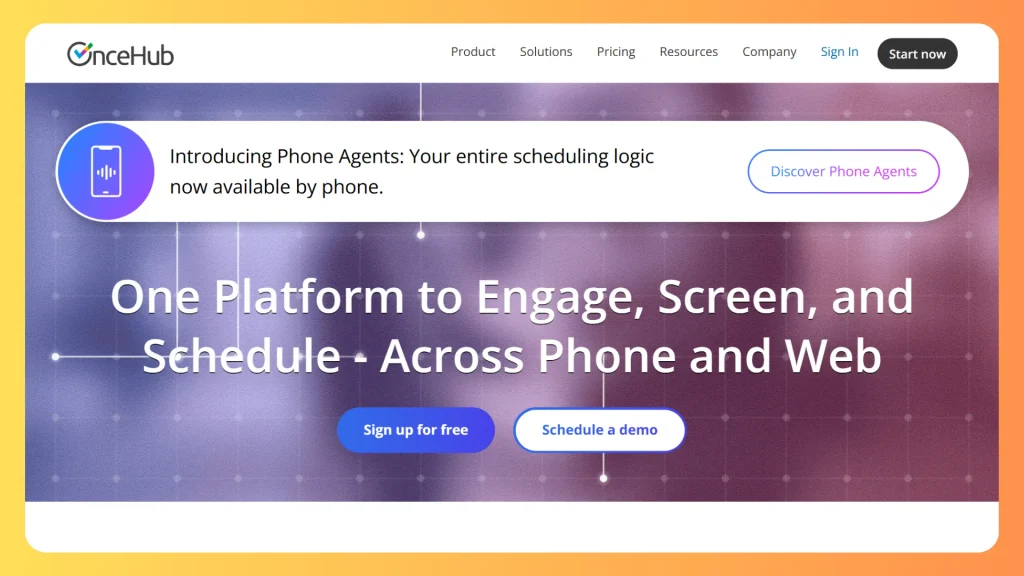
| OnceHub | Booking pages and routing viewings to the right agent | Free single seat plan, paid per seat tiers | Routing takes setup effort, and AI features sit on higher tiers |
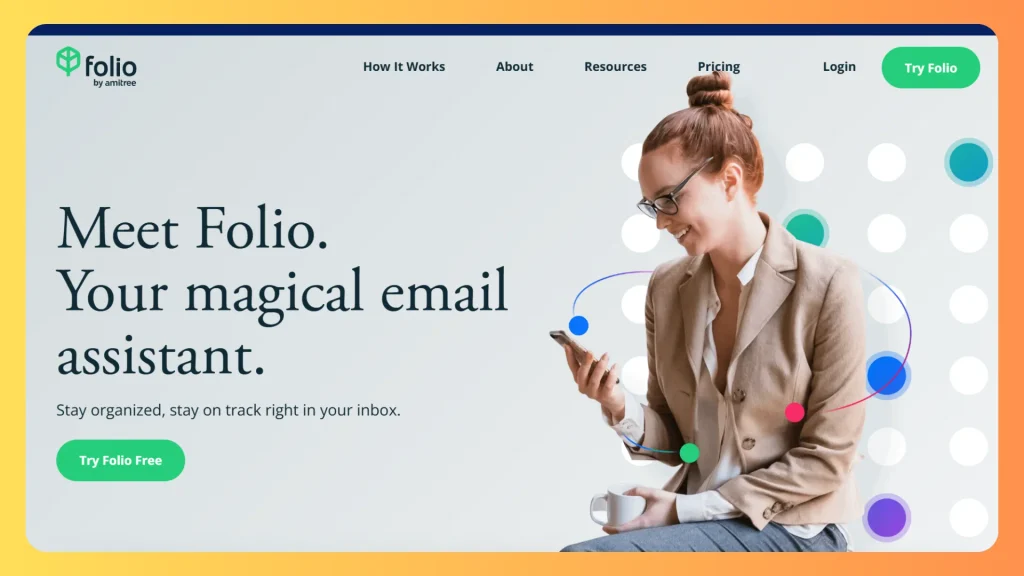
| Folio by Amitree | Keeping clients informed from contract to closing | Free plan with paid per user tiers | Covers the transaction stage only, not lead nurturing |
Tools by job
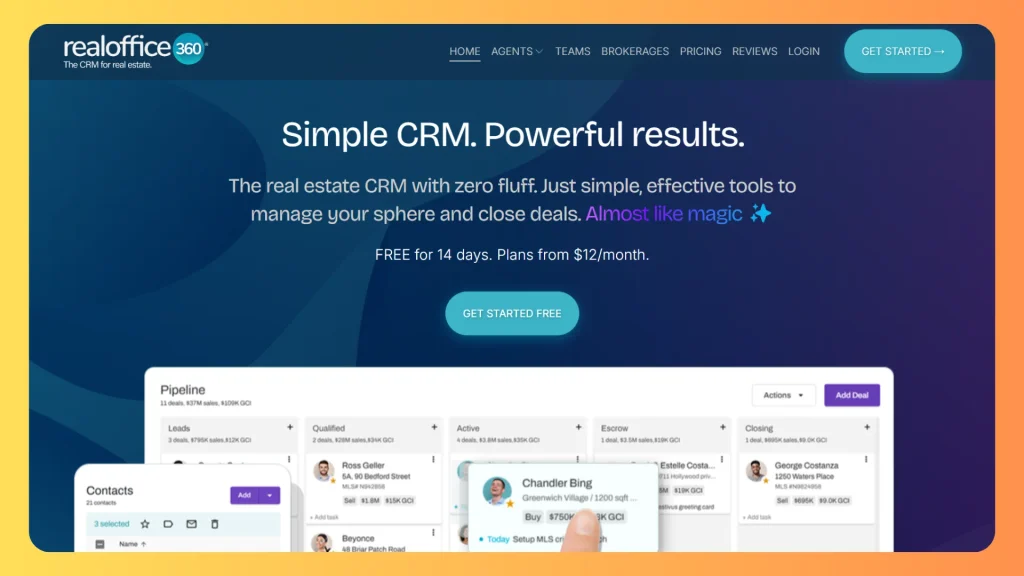
RealOffice360
Features
Contact management, lead capture, pipeline tracking, follow-up reminders, and bulk email. It also lists real estate website tools with IDX options, so listing pages and lead capture can sit in one system.
Best For
Solo agents and small teams that want one affordable CRM without a long setup.Create a task and reminder the moment a new lead arrives, tag them as buyer or seller, and send listing updates by bulk email.
Limitation
It sticks to core CRM functions, so teams that need deep customization may outgrow it. Extra users also add cost.
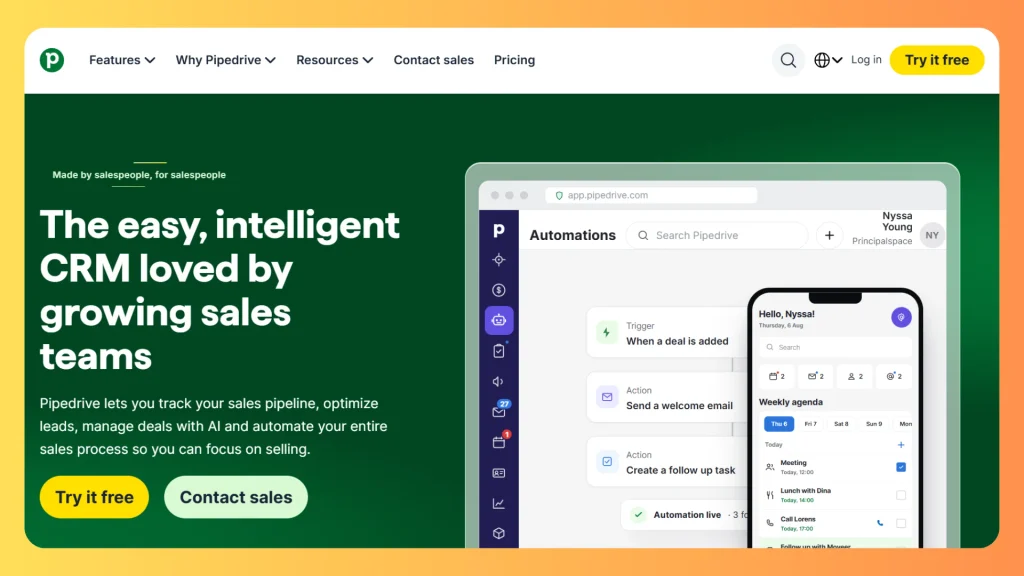
Pipedrive
Features
Visual deal stages, email sync, and automations on higher plans. LeadBooster adds chat, forms, and prospecting, and Campaigns adds email marketing.
Best For
Agencies and teams that want a flexible pipeline and are comfortable configuring it for property workflows.Move deals through stages like inquiry, viewing, offer, and closed, and trigger a follow-up each time a stage changes.
Limitation
It is a general sales CRM, so real estate fields need setup, and add-ons raise the total cost.
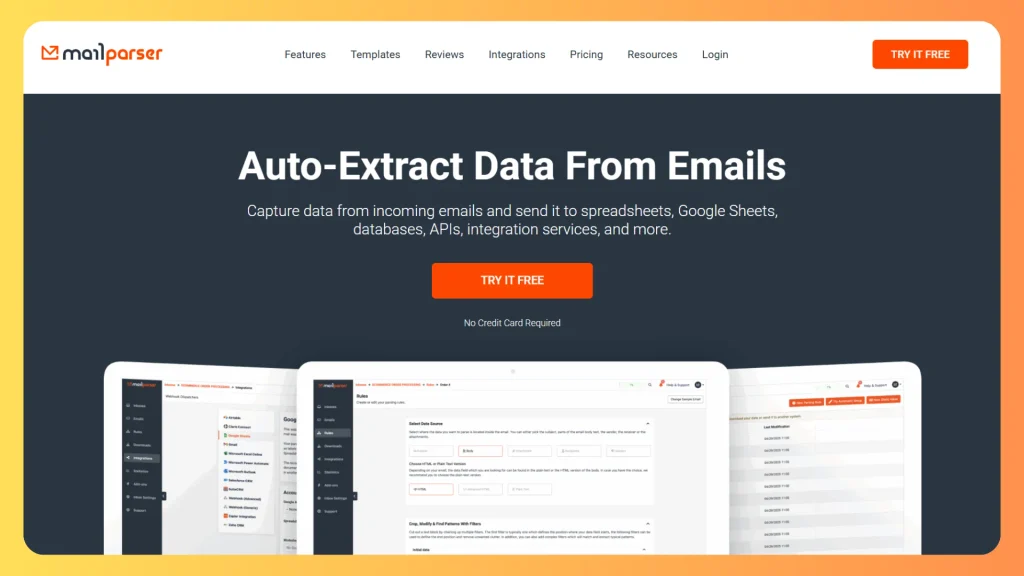
Mailparser
Features
Reads portal inquiry emails and extracts the name, phone number, property, and message. It sends the result to a spreadsheet or CRM, and supports custom parsers for portals not covered by templates.
Best For
Agencies that get most of their leads as portal notification emails.Parse each portal email, push the lead into your CRM, and fire the instant reply within minutes. This removes manual entry and protects response time.
Limitation
It depends on each portal’s email format, and templates focus on major US portals.
Fillout
Features
A no-code form builder with conditional logic, branding options, and many native integrations.
Best For
Valuation requests, buyer preference forms, viewing requests, and gated documents such as offering summaries.Each submission becomes a trigger. Add a consent checkbox with clear wording so every form also records permission to message, then route the lead to your CRM with the right tags.
Limitation
Not real estate specific, and advanced features sit on paid tiers.
SlickText
Features
Two-way messaging, scheduled texts, segmentation, drip workflows, and built-in opt-in and opt-out handling.
Best For
Time-sensitive messages such as viewing reminders, instant acknowledgements, and short follow-ups.Send a text within minutes of an inquiry, then schedule a reminder before each viewing with the time and location.
Limitation
Analytics are basic and advanced automation is limited. Confirm country coverage first. The tool helps with compliance, but you remain responsible for consent records and local rules.
OnceHub
Features
Booking pages that show live availability, plus routing forms that direct leads to the right agent based on their answers.
Best For
Teams that lose warm leads to back-and-forth scheduling, especially brokerages with several agents.Include a booking link in your instant reply so leads can pick a viewing slot immediately. Routing sends each booking to the right agent by area or property type.
Limitation
Routing takes setup effort, and AI features sit on higher tiers.
Folio by Amitree
Features
Works inside Gmail or Outlook, organizes transaction emails, and keeps shared timelines of key dates for clients and agents.
Best For
Agents who want clients to stay informed from contract to closing.Use it to support the referral stage. Clients who feel informed are more likely to leave a review and recommend you, so pair it with your post-closing review request.
Limitation
It covers the transaction stage only, not lead nurturing.
Which setup fits you
| Business type | Starter stack | Why |
|---|---|---|
| Solo agent | RealOffice360, Fillout, OnceHub free plan | Low cost, fast setup, covers capture and booking |
| Small agency with portal leads | Pipedrive or RealOffice360, Mailparser, SlickText | Portal emails flow into the CRM and get an instant text |
| Team or brokerage | Pipedrive, OnceHub routing, SlickText, Folio | Routing, scheduling, and client updates across several agents |
| Commercial team | Pipedrive, Fillout gated forms, OnceHub | Longer cycles, document requests, and meeting booking |
| Unusual process or many integrations | Custom build | See the next section |
These suggestions come from vendor documentation and independent reviews, not from live tests. Start with one capture tool, one CRM, and one messaging channel, then add pieces only when a gap shows up in your metrics.
Build or Buy: Choosing the Right Route
Off the shelf tools launch quickly, but most charge a recurring fee per seat, contact, or message volume. As teams grow, that monthly bill grows with them, and your workflow may need workarounds when your process does not match the tool.
| Factor | Off the shelf platform | Custom build |
|---|---|---|
| Launch speed | Fast | Slower, depends on scope |
| Cost pattern | Recurring subscription | Upfront build cost, then maintenance |
| Workflow fit | Configured to the vendor’s model | Shaped to your process and data |
| Data ownership | Held in the vendor’s system | Held in your own environment |
| Integrations | Limited to what the vendor supports | Built for your portals, MLS feeds, and messaging providers |
A custom build deserves a look when you have unusual routing rules, several property types, development projects, or integrations no vendor supports. DevSouq, a leading custom real estate software development company, builds CRM and automation workflows around your own process, with no monthly fee, which keeps the cost efficient for teams that would otherwise pay a subscription every month. If you are comparing partners, our guide on how to choose a custom software development company lists the questions to ask, and our page on real estate development software shows what a purpose built system covers.
Your Website Is the Trigger Layer
Your site is where most automations start. Every form, saved search, and property view can fire a workflow.
IDX real estate websites. IDX (Internet Data Exchange) lets brokers display MLS listings on their own sites. For automation, the value is behavior data: saved searches, favorite listings, and repeat views become triggers. Display and data rules differ by MLS, so confirm requirements before launching.
Commercial real estate website design. Commercial buyers and tenants behave differently. Sales cycles are longer, there are fewer leads, and each is worth more. Good design includes property pages with clear specifications, filters by asset type and size, gated documents such as offering summaries, and inquiry forms that capture company, budget, and timeline. Every document download should trigger a tagged follow up and a broker alert. Investors comparing assets also value analysis tools, as covered in our guide to commercial real estate investment analysis software.
Lead Scoring and Routing
Scoring ranks leads by likely readiness. Routing sends each one to the right person. Keep the model simple at first and adjust it as you gather data.
| Signal | Example points |
|---|---|
| Requested a viewing or valuation | High |
| Opened a pricing, brochure, or financing page more than once | Medium to high |
| Clicked a listing alert | Medium |
| Opened an email without clicking | Low |
| Unsubscribed or marked outside your area | Remove or reduce |
The point values are illustrative. Calibrate them against the leads that actually became clients.
Routing rules usually cover:
- Area or neighborhood
- Property type, such as residential, luxury, commercial, or investment
- Language
- Agent capacity and availability
Review the routing for fairness and speed. A common failure is a rule that holds leads in a queue until a daily batch runs, which wastes the first hour.
AI can help here by predicting intent, summarizing conversations, and drafting replies for agent review. For ideas on where it adds value, see our guide to AI use cases in real estate development. Keep a person in charge of final messages to clients.
Consent and Data Rules for Messaging
Most competitor guides skip this section, yet it protects your business. The rules below describe the United States. Other countries have their own laws, so confirm local requirements. This is general information, not legal advice.
- Marketing texts: under the Telephone Consumer Protection Act, businesses generally need prior express written consent before sending marketing text messages. An online form checkbox with a clear disclosure can qualify.
- Opt outs: requests to stop messages must be honored within a reasonable time, not exceeding 10 business days. Honoring them immediately is the safer standard.
- Quiet hours: telemarketing calls and texts are generally limited to the hours between 8 am and 9 pm in the recipient’s local time.
- Marketing email: the CAN SPAM Act requires a working opt out method and a valid sender identity, and opt out requests must be honored within 10 business days.
- WhatsApp: follow the provider’s business messaging policy, which generally requires opt in and approved templates for many outbound messages.
Practical habits that keep you safe:
- Store the date, source, and wording of every consent.
- Add a plain opt out line to marketing messages.
- Keep a suppression list so opted out contacts are never reimported.
- Collect only the data you use, and say how you use it in your privacy policy.
Metrics That Show It Is Working
Track a small set of numbers every month.
| Metric | What it tells you |
|---|---|
| First response time | Whether speed to lead is working |
| Reply rate | Whether messages are relevant |
| Lead to viewing rate | Whether nurture turns interest into action |
| Viewing to offer rate | Whether you attract serious prospects |
| Cost per qualified lead by source | Which ads and portals deserve budget |
| Opt out and bounce rate | List health and message fit |
| Stage drop off | Where leads leave your pipeline |
Do not rely on email open rates alone. Mail privacy features can inflate opens, so judge emails by clicks, replies, and bookings.
Common Mistakes to Avoid
- Automating a broken process. Fix the offer, the data, and the routing before you scale it.
- Sending one message to every contact. Segment by buyer, seller, area, and stage.
- Letting automation continue after a person replies. Replies must pause the sequence.
- Ignoring consent records until a complaint arrives.
- Adding every channel at once. Master one or two, then expand.
- Buying lists. A list you build from real inquiries performs better and carries less risk.
- Treating automation as a replacement for personal calls. Use it to free time for calls, not to replace them.
- Skipping reports. Without measurement you cannot tell which workflow earns its place.
The DevSouq Scope Clarity Session
A free, 30-minute session where you leave knowing the real cost, real timeline, and real risks of your project, whether you ever build with us or not.
Book Your Free Scope Clarity Session →Final Thoughts
Real estate marketing automation works best when it is simple, fast, and built around how your team actually sells. Start with an instant reply to every inquiry, add a CRM and booking, then layer in nurture messages, lead scoring, and consent records as you grow. Track response time and lead to viewing rate each month, and always keep a human ready to take over once a lead replies.
If your process does not fit off the shelf tools, a custom build can save you from paying a subscription every month. Get a free scope review from DevSouq, a cost efficient custom builder with no monthly fee, and see how real estate marketing automation can be shaped around your own workflow.
FAQs
What is real estate marketing automation?
It is software that captures property leads, replies instantly, nurtures them with timed messages, scores their intent, and alerts an agent when they are ready to talk. It handles repetitive tasks so people can focus on viewings and negotiation.
What should I automate first?
Start with instant lead response. Send an acknowledgement within minutes of every inquiry, tag the lead by buyer or seller, and create a task for the assigned agent. This single workflow fixes the most common cause of lost leads.
Do small agencies need marketing automation software?
Yes, if inquiries arrive from several channels. A small team can start with a CRM and a few triggers, then add email, SMS, or WhatsApp later. The point is consistent follow up, which small teams struggle to do manually.
What is the difference between a CRM and an automation platform?
A CRM stores contacts, deals, and activity. An automation platform runs triggers and messages based on that data. Many products combine both, but check that the automation can read CRM fields such as budget, area, and stage.
Is automated texting legal?
In the United States, marketing texts need prior express written consent, and opt outs must be honored within 10 business days. Other countries have different rules, so confirm local law before sending.